AI Cleanup
Clean up imperfections and enhance your photos
How to use AI Cleanup
- Upload your image using the tool below
- Use the brush tool to paint over areas you want to remove
- Adjust brush size as needed for precision
- Click "Generate" to let AI intelligently fill the painted areas
- Download your enhanced image when processing is complete
Use AI photo cleanup for personal and professional purposes
Apply ModernPhotoTools’ AI Cleanup across photography, eCommerce, real estate, social media, design, and marketing projects.
Polish everyday photos
Edit your portraits, travel shots, event pictures, or family photos. Get rid of distractions and undesired objects to improve the overall image composition and keep attention on the story you want to tell.
Optimize product listings
Clean up product photos by removing price tags, dust, scratches, and background clutter. Present your items with crisp, distraction-free visuals that convert better on marketplaces and online stores.
Clarify interiors and exteriors
Remove small objects, signage, or visual noise from property photos so rooms, facades, and landscapes look brighter, clearer, and easier to browse on listing pages.
Curate a clean feed
Erase photobombers, messy backgrounds, and random objects before posting. Create scroll-stopping images for Instagram, TikTok, and other platforms without heavy desktop software.
Prepare assets for layouts
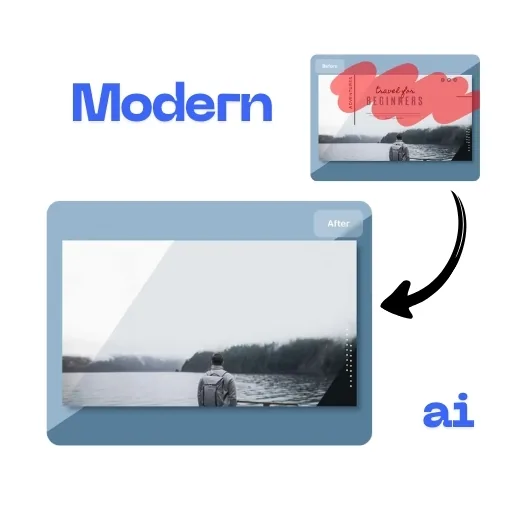
Clean up photos before dropping them into posters, presentations, and UI designs. Remove elements that clash with your layout so designers can work with flexible, high-quality assets.
Refine campaign visuals
Polish hero images, banners, and ad creatives by removing anything that steals focus from your offer or call-to-action. Produce professional-grade visuals directly in your browser.
Drag and drop your image here
or click to browse
Supported formats: JPEG, PNG (max 5MB)
Result
Upload and process an image to see the result here
Clean up anything that gets in the way of a great photo
Use the AI Cleanup tool to remove people, objects, text, and other distractions while keeping the rest of the image natural and sharp.
Remove people and distractions in a few strokes
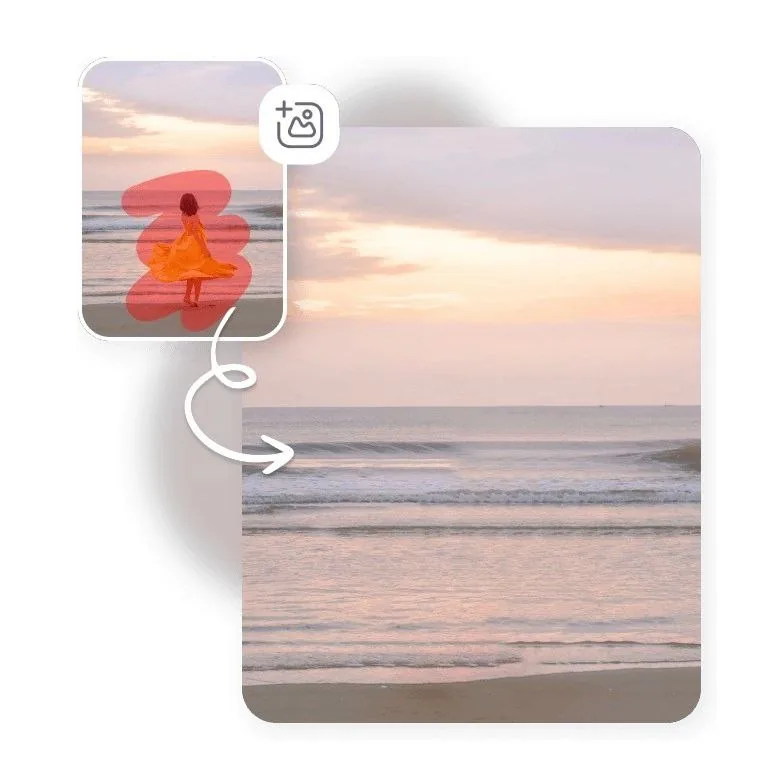
Use the AI cleanup brush to erase photobombers, strangers, or small distractions from portraits, travel shots, event photos, and family pictures. The tool intelligently fills the cleaned area so the composition looks natural, like the unwanted element was never there.
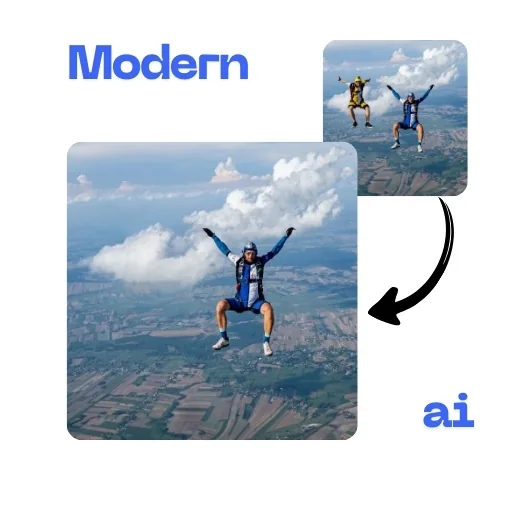
Clean up product photos professionally
Clean up product photos of clothing, jewelry, electronics, cosmetics, food, home decor, and more. Remove clutter, distractions, scratches, dust, or harsh shadows so your images look polished and ready for marketplaces like Amazon, Shopify, Etsy, or eBay.

Flawless cleanup with natural background generation
ModernPhotoTools analyzes the masked subject and surrounding scene to rebuild what should be behind it. Its content-aware fill creates a contextual, natural-looking background so there are no obvious smudges or artifacts after cleanup.
Why choose ModernPhotoTools’ AI photo cleaner?
ModernPhotoTools gives you a fast, browser-based way to erase anything you do not want in a photo while keeping everything else sharp and natural.
- Free, easy, and quick photo cleanup workflow in the browser.
- Precise control with brush-based masking you can refine at any time.
- Real-time preview so you can undo or redo edits instantly.
- High-quality, realistic outputs suitable for print and online use.
- Secure processing that respects user privacy.
- Works great alongside AI portrait retouching and other ModernPhotoTools features.
AI Cleanup: frequently asked questions
Answers to common questions about how the AI photo cleanup tool works and where you can use it.
About AI Cleanup
Our ai cleanup tool uses advanced AI algorithms to automatically detect and fix imperfections, remove unwanted objects, and enhance the overall quality of your photos. Simply paint over the areas you want to remove and let AI intelligently fill in the space. This tool is perfect for photographers, designers, social media managers, and anyone who wants to enhance their images.
Unlike other tools, ModernPhotoTools offers this service completely free with no watermarks. Try it now and see the difference!