AI Image Upscaler
Enhance image resolution without losing quality
How to use AI Image Upscaler
- Upload your image using the tool below (max 2048px on longest side)
- Select an upscale factor (2x or 4x) based on your image size
- Click "Generate" to enhance your image with AI upscaling
- Download your high-resolution result when processing is complete
Upscale images up to 4K in seconds
Use the AI Image Upscaler to sharpen blurry photos, fix blocky pixels, and clean up noise in a few seconds. Boost image resolution by up to 4x while keeping important details clear enough for large screens and prints.
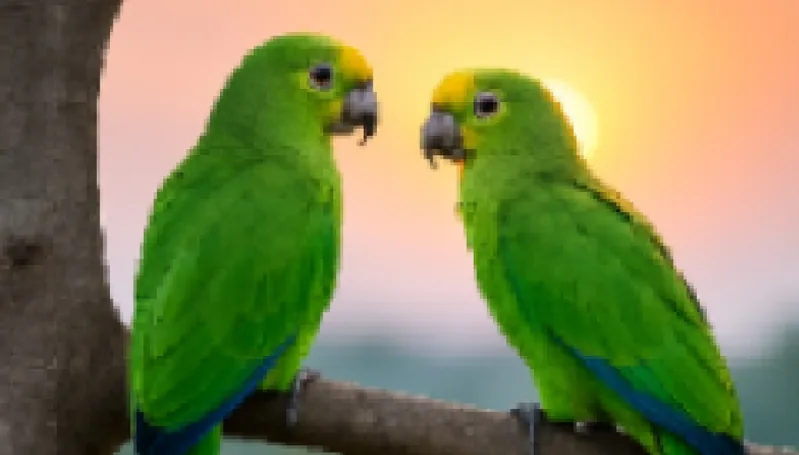
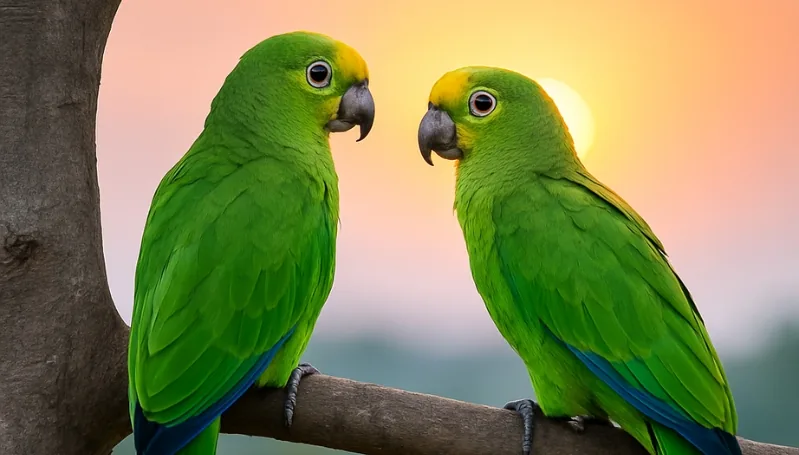
See the difference with AI upscaling
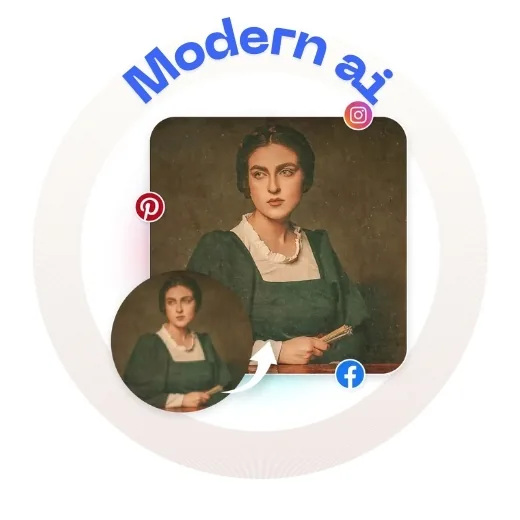
Drag the slider to compare the original image with the enhanced version. Fine details become clearer, edges look smoother, and the overall photo holds up better on 4K displays, social media, and high-quality prints.
Drag and drop your image here
or click to browse
Supported formats: JPEG, PNG (max 5MB)
Result
Upload and process an image to see the result here
AI upscaling for real-world photo workflows
Use the AI Image Upscaler whenever you need larger, cleaner versions of your photos for screens, print, or close-up crops.
Get higher-quality, sharper, more detailed images
Turn soft, low-resolution photos into crisp, high-resolution images in just a few seconds. The AI Image Upscaler boosts resolution while preserving important details, improving edges, textures, and patterns so results look clean instead of over-smoothed, even on low-light or compressed images.
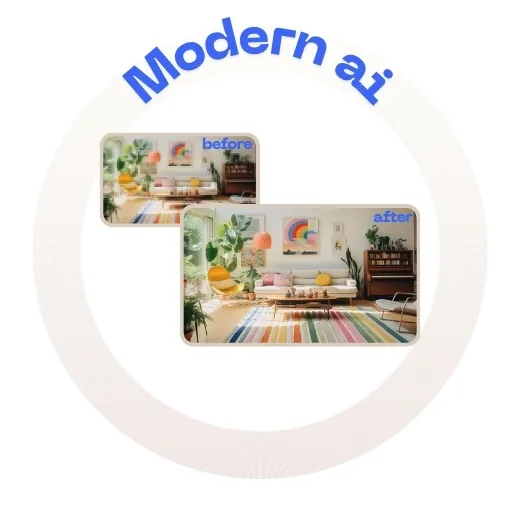
Zoom in without pixelation
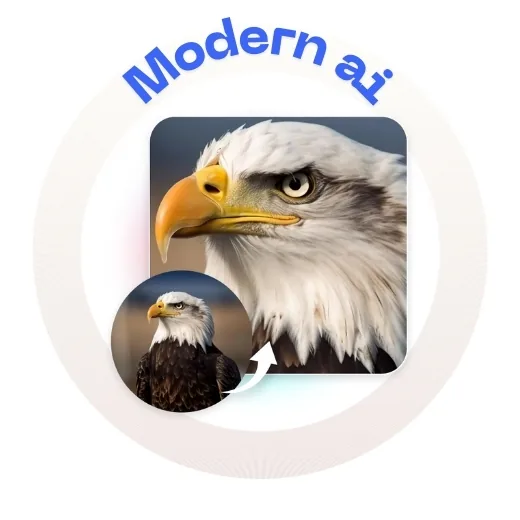
When you zoom into a small photo, blocks and jagged pixels usually appear because there are not enough original pixels to fill the space. The AI upsizer intelligently generates additional pixels between what is already there so close-up crops stay clear and readable instead of breaking apart.
Why use the AI Image Upscaler?
Use AI upscaling whenever you need more resolution, cleaner details, or larger exports without re-shooting the original photo.
- Create 4K-ready wallpapers and screensavers from everyday photos.
- Recover small or blurry text so screenshots and documents are easier to read.
- Prepare sharp images for Instagram, Facebook, and YouTube thumbnails.
- Clarify CCTV and security footage to better distinguish faces and objects.
- Boost resolution before printing posters, flyers, and large banners.
- Enhance product photos so fine textures and details stand out in listings.
- Revive older or scanned photos by increasing resolution and reducing noise.
AI Image Upscaler: frequently asked questions
Answers to common questions about how AI upscaling works, recommended settings, and image limits.
About AI Image Upscaler
Our ai image upscaler tool uses advanced AI algorithms to enhance image resolution and quality using advanced AI upscaling technology, supporting 2x and 4x enlargement while preserving fine details and sharpness. This tool is perfect for photographers, designers, social media managers, and anyone who wants to enhance their images.
Unlike other tools, ModernPhotoTools offers this service completely free with no watermarks. Try it now and see the difference!