AI Logo Generator
Create custom logo concepts from simple text prompts
Use Responsibly
- Generated images must respect copyright and trademark rights.
- You are responsible for ensuring you have rights to any prompts or reference content.
- Do not create content that violates others’ privacy or legal rights.
How to use AI Logo Generator
- Describe your logo idea with details like style, color, theme, and brand tone
- Pick or type a style direction such as modern, luxury, hand-drawn, or 3D
- Generate multiple options to explore different logo directions quickly
- Refine the result with follow-up prompts for specific edits
- Download your preferred logo and continue final branding workflows
AI Logo Generator: Turn prompts into logo ideas
Generate distinctive logo directions for your brand from short prompts. Explore multiple concepts quickly, then refine details until you find a mark that fits your identity.
How to create effective prompts
Ideal prompt structure
[Main subject] + [Environment / Setting] + [Style] + [Lighting / Mood] + [Details / Adjectives] + (optional) [Camera / Perspective / Composition info]
Role of negative prompts
Remove unwanted elements that the AI might generate based on its interpretation of your positive prompt, such as poor quality, extra fingers, or distorted features.
Use seeds for consistency
AI image generators can produce a variety of images from the same prompt. Enable the 'seed' option, and change the prompt with the same seed number to see consistent images.
💡 Tips for better logo prompts:
- • Mention your industry and brand personality
- • Add a preferred style like minimal, luxury, or retro
- • Include symbol or icon ideas if you have them
- • Specify colors, typography mood, or visual tone
Result
Upload and process an image to see the result here
Built for every logo creation need
Use AI Logo Generator to move from rough brand ideas to practical logo drafts without complex design tools.
Generate many logo concepts in seconds, not weeks
Move from idea to polished draft quickly with AI-assisted logo generation. Explore different visual directions without hiring a full design team for every experiment.
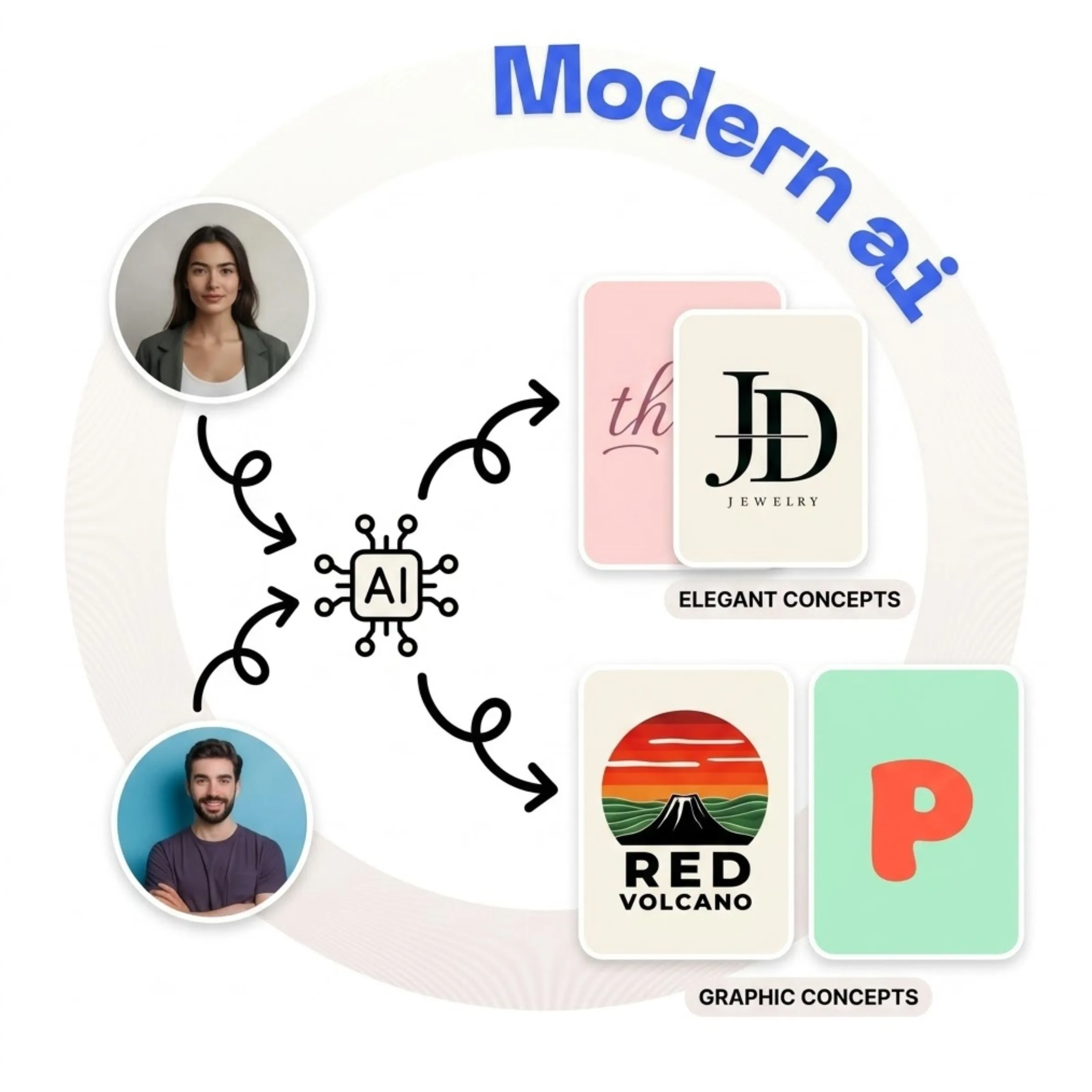
Create text marks, emblems, icons, mascots, and monograms
Describe your industry, tone, and use case in plain language. The model is tuned for logo-style output and can shape typography and symbols around your brand intent.
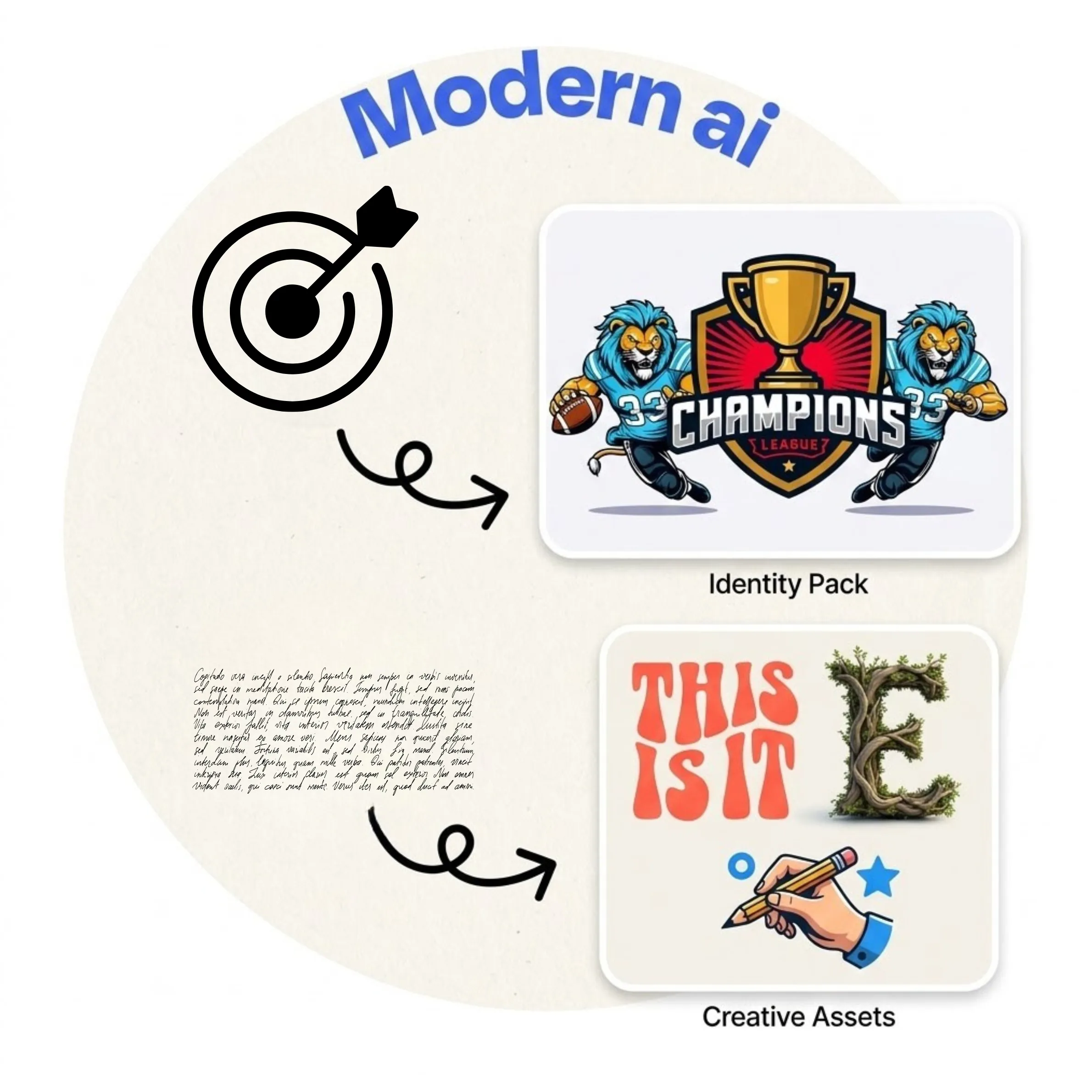
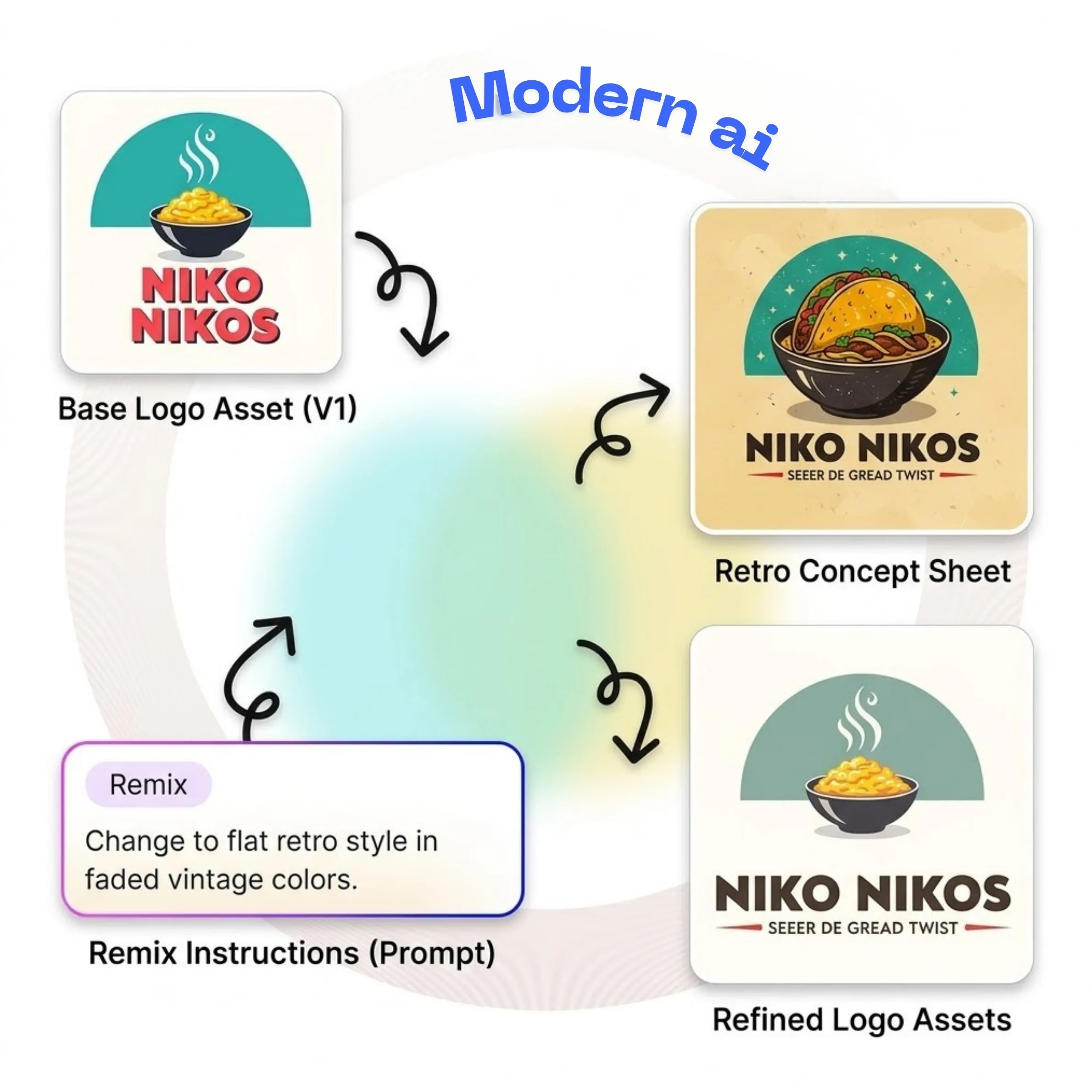
Refine tiny details with simple follow-up prompts
Adjust one part of the logo without redesigning everything. Ask for focused changes such as font weight, icon thickness, color balance, or spacing, and iterate in real time.
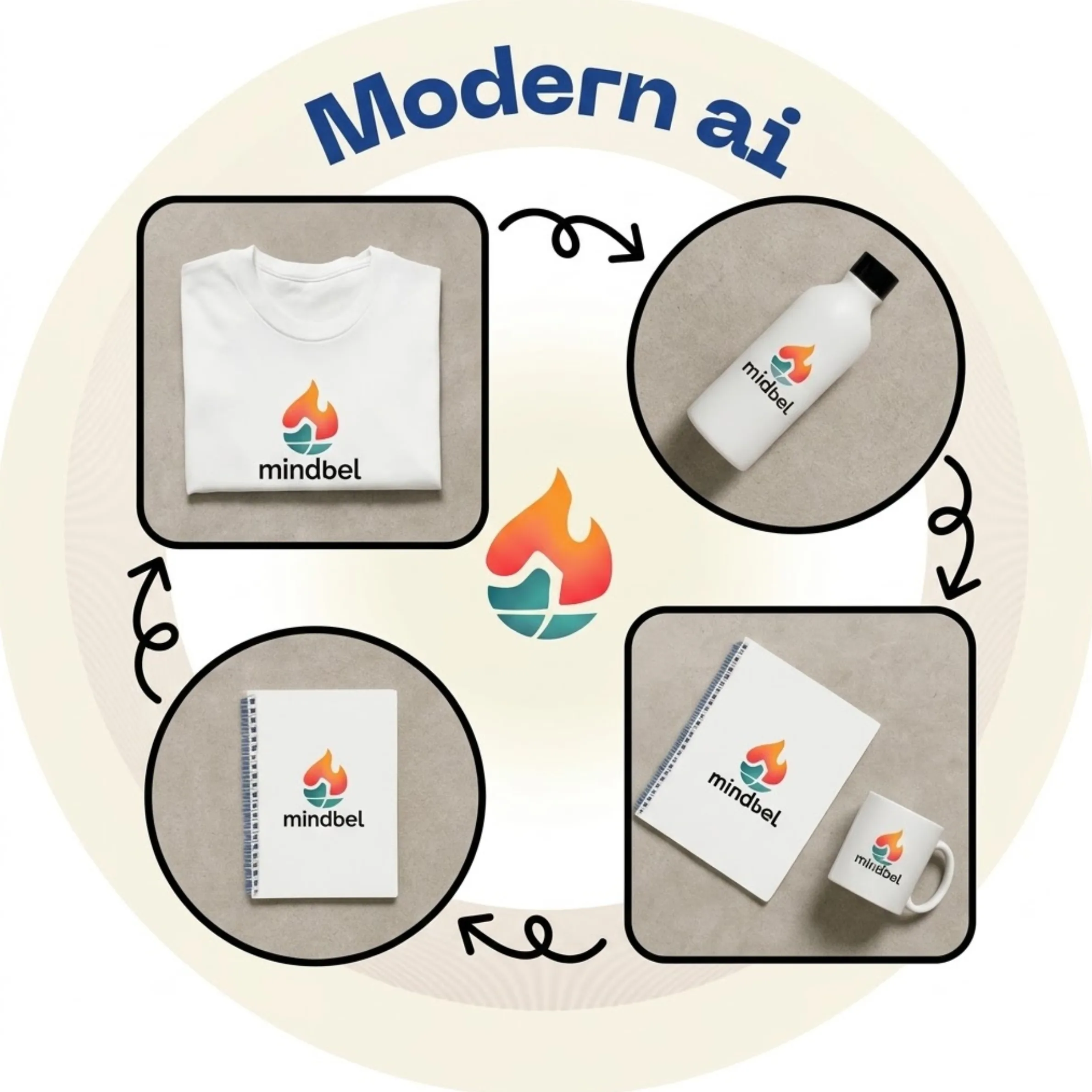
Export logos ready for both print and digital campaigns
Create assets that stay clear across large and small formats. Use built-in enhancement and resizing workflows to prepare logos for packaging, social media, ads, and billboards.
AI Logo Generator: frequently asked questions
Common answers about generating logos, editing results, and preparing files for real brand use.
About AI Logo Generator
Our ai logo generator tool uses advanced AI algorithms to transform and enhance your images with professional-quality results. This tool is perfect for photographers, designers, social media managers, and anyone who wants to enhance their images.
Unlike other tools, ModernPhotoTools offers this service completely free with no watermarks. Try it now and see the difference!