Best 20 AI Trending Prompts for Baby Photoshoot (2026 Guide)
AI image generators now produce studio-quality infant portraits from a single reference photo and a structured text prompt — no lighting rigs, no studio hire, no stressful sessions for a newborn who should be sleeping. This guide gives you 20 copy-paste prompts across every trending baby photoshoot theme, from celestial dreamscapes to traditional heritage setups, plus the technical framework that separates professional-grade outputs from generic AI images.
Table of Contents
- Quick Summary
- The Problem with Traditional Newborn Photography
- How AI Baby Portrait Generation Works
- Step-by-Step: How to Generate AI Baby Photos
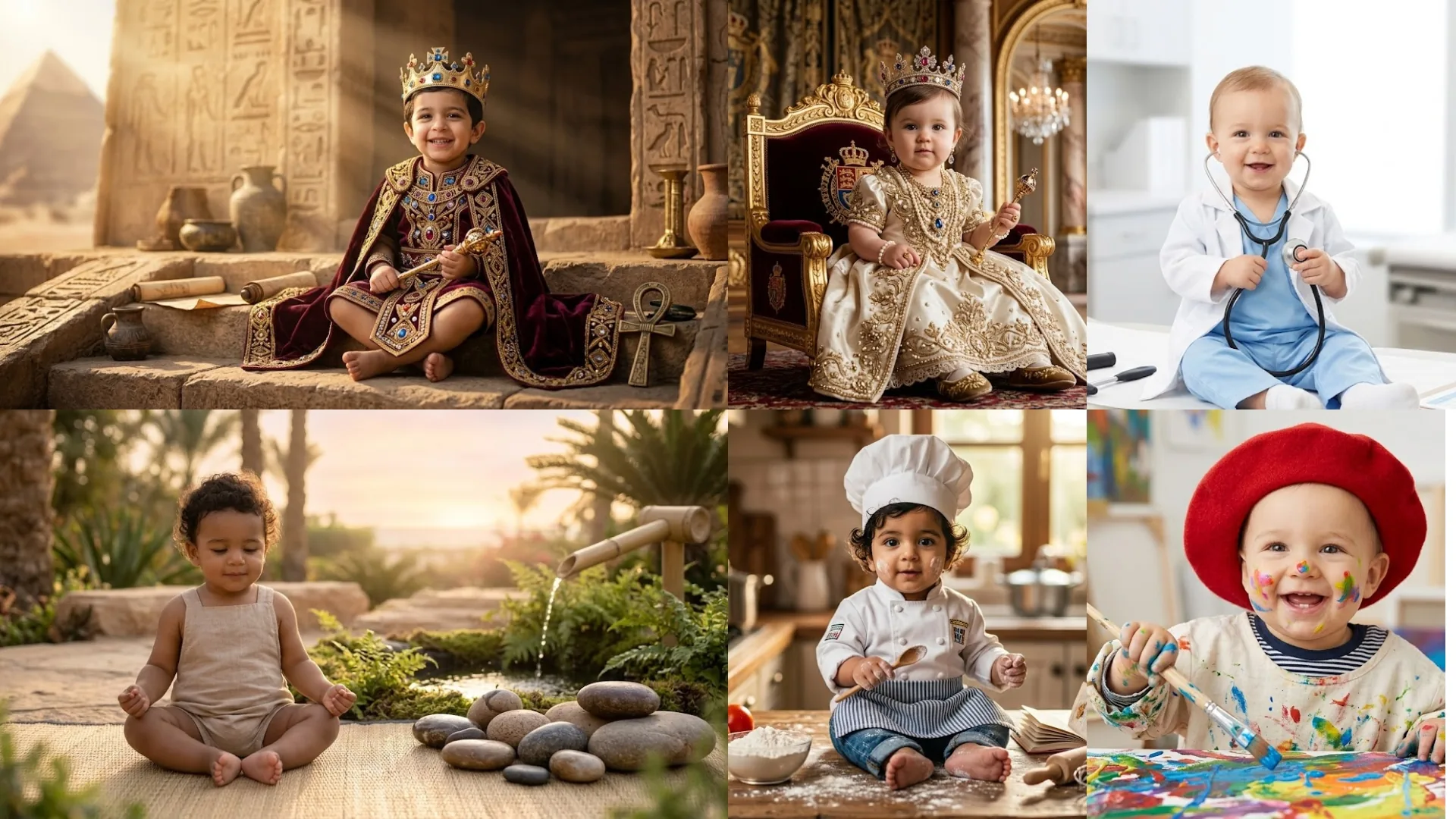
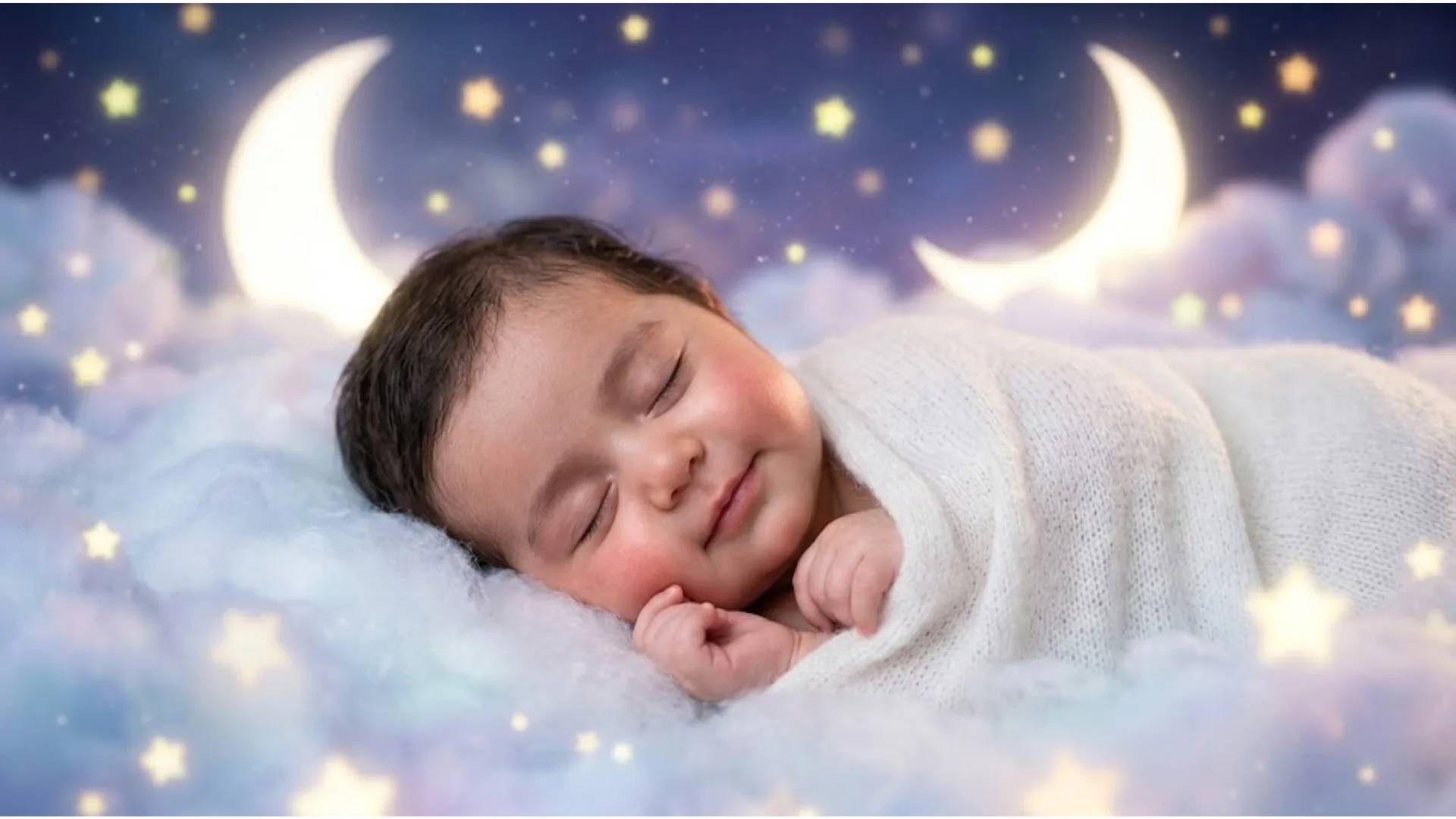
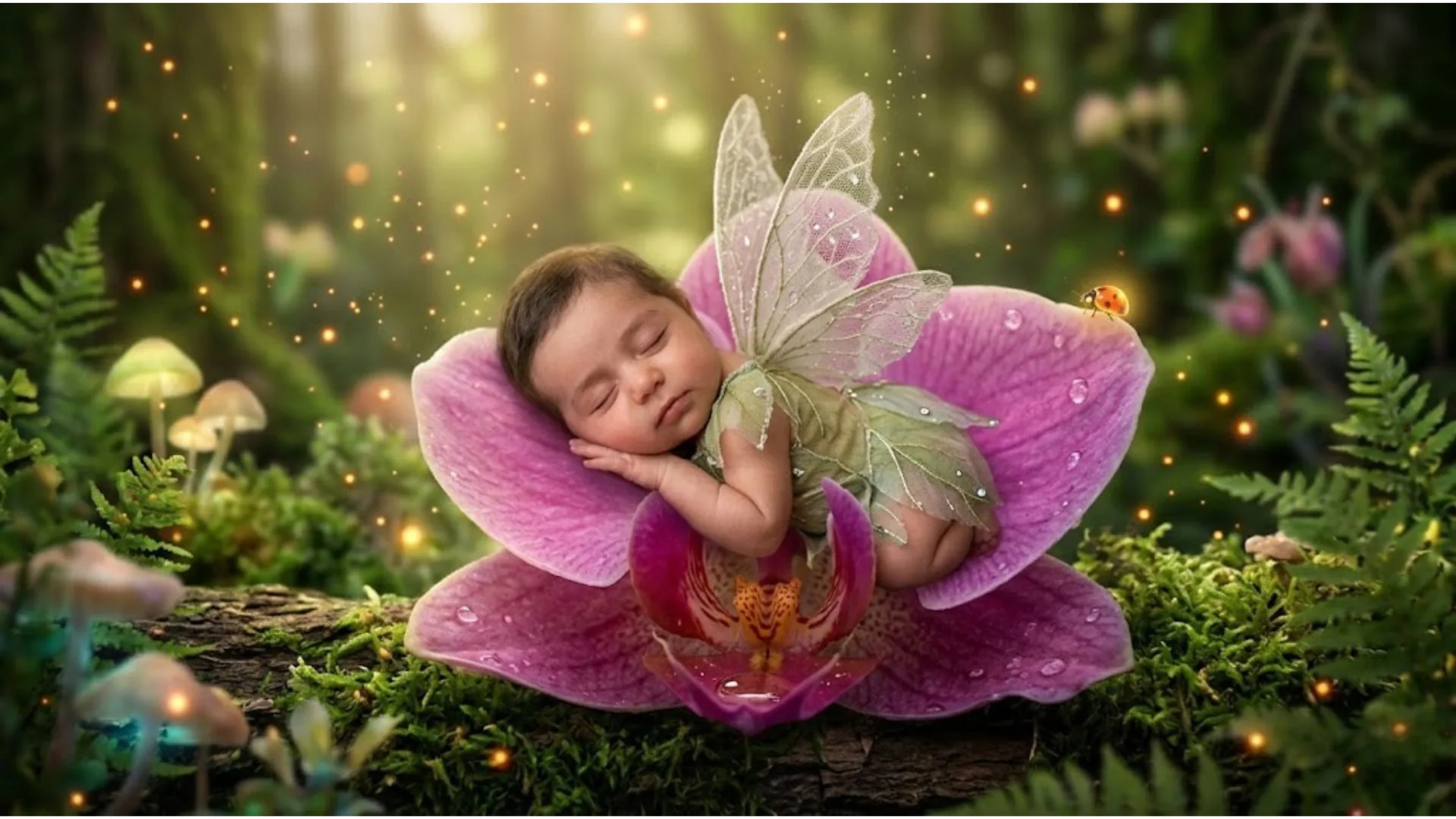
- 20 Trending AI Baby Photoshoot Prompts
- Tool Comparison: Which Platform for Which Theme
- Professional Tips for Better Results
- Common Mistakes to Avoid
- Frequently Asked Questions
- The Future of AI Infant Photography
Quick Summary
The short answer: Upload a clear reference photo of the baby to an AI image generator — Bing Image Creator, Midjourney, or ModernPhotoTools AI Image Generator — paste one of the 20 structured prompts below, and specify identity retention at the end. The result is a professional-grade infant portrait inside any themed environment you choose: celestial dreamscapes, enchanted forests, heritage setups, fantasy kingdoms. No physical studio. No newborn stress. No overhead costs. The 20 prompts and the technical framework behind them are covered step by step below.
The Problem with Traditional Newborn Photography
Traditional infant photography creates a set of constraints that work against the subject and the photographer simultaneously. Newborns have unpredictable sleep cycles, precise temperature requirements, and zero tolerance for extended positioning sessions. A safe newborn photoshoot requires a trained specialist, specific safety props, a temperature-controlled environment, and multiple session attempts to capture the handful of usable frames that justify the cost.
Limitations of Physical Newborn Sessions
- Physiological stress on infants from extended positioning and handling
- High studio overhead costs — typically $200–$600 per session
- Narrow creative plasticity limited by what is physically safe to attempt
- Weather and scheduling dependencies for outdoor themes
- Elaborate props, backdrops, and costumes that require purchase or rental
- Single-session windows that cannot be recreated if results are unusable
What AI Generation Eliminates
- Zero physical contact — the baby never needs to be posed or handled
- Unlimited theme variations from a single reference photo
- Any environment imaginable — underwater, space, enchanted forests, royal palaces
- No scheduling constraints, no weather dependencies
- No prop sourcing — all elements are generated from the text description
- Iterative refinement until the output matches the creative vision exactly
Generate AI Baby Portraits Now
Upload a reference photo and paste any prompt below — no account required to start.
Open AI Image GeneratorHow AI Baby Portrait Generation Works
AI image generation for infant photography operates through three sequential processes. Understanding each process helps you make better decisions at the prompt-writing stage.
Image-to-Image Reference Matching
When you upload a reference photo of the baby, the AI uses facial landmark detection to map the infant's facial geometry — eye spacing, nose width, head shape, skin tone. This geometric data is then applied to the generated scene, placing the same face inside the new environment rather than inventing a generic infant face.
Environment Synthesis
The text prompt defines every element of the generated scene: background architecture, lighting source, props, color palette, depth of field. The more specific the description, the less interpretive freedom the model has — which means fewer generic or inconsistent outputs. Scene synthesis is where structured prompts outperform vague instructions by the widest margin.
Skin and Texture Rendering
Infant skin has specific optical properties — high subsurface scattering, soft specular reflections, fine texture without visible pores. Generic AI generation produces plastic-looking skin unless these properties are specified explicitly in the prompt. Keywords like "subsurface scattering," "natural skin grain," and "photorealistic baby skin texture" activate the correct rendering mode.
Semantic context: Professional AI baby portrait generation draws from the same technical vocabulary as traditional studio photography — lens focal length, aperture, lighting pattern names, color temperature. Understanding these terms lets you write prompts that produce predictably professional results. See the complete AI photo editing prompts guide for a full framework across all photography categories.
Step-by-Step: How to Generate AI Baby Photos
- Select your AI image generator. For themed baby portraits with facial identity retention, use Midjourney V6/V7 for highest photorealism, Bing Image Creator for free generation with embedded text, or the ModernPhotoTools AI Image Generator for browser-based generation without an account.
- Prepare the reference photo. Use a clear, front-facing, well-lit photo of the baby with a neutral expression and minimal background clutter. The sharper and more face-forward the reference, the more accurately the model retains facial features across different scenes. Avoid angled shots, shadowed faces, and heavily filtered selfies.
-
Select and paste the structured prompt. Choose one of the 20 prompts below that matches the theme you want. Paste it into the generator exactly as written, then replace the generic subject description with a specific reference to your reference photo if the platform supports it (e.g., using Midjourney's
--crefparameter with the uploaded image URL). -
Specify technical parameters. Append aspect ratio to every prompt:
--ar 4:5for portrait prints,--ar 1:1for social media feed posts,--ar 9:16for Instagram Stories. In platforms that use natural language, include the ratio description in the prompt text itself. - Iterate on the specific element that failed. Do not rewrite the full prompt if only one element is wrong. Identify the exact issue — background inaccuracy, wrong skin tone rendering, flat lighting, identity drift — and modify only that component. Targeted iteration is faster and more reliable than full prompt rewrites.
- Post-process the final output. Run the selected image through the AI Image Upscaler to reach print-ready resolution for physical albums or large-format prints. Use the AI Filter to apply color grading that matches your brand aesthetic across a series of images.
20 Trending AI Baby Photoshoot Prompts
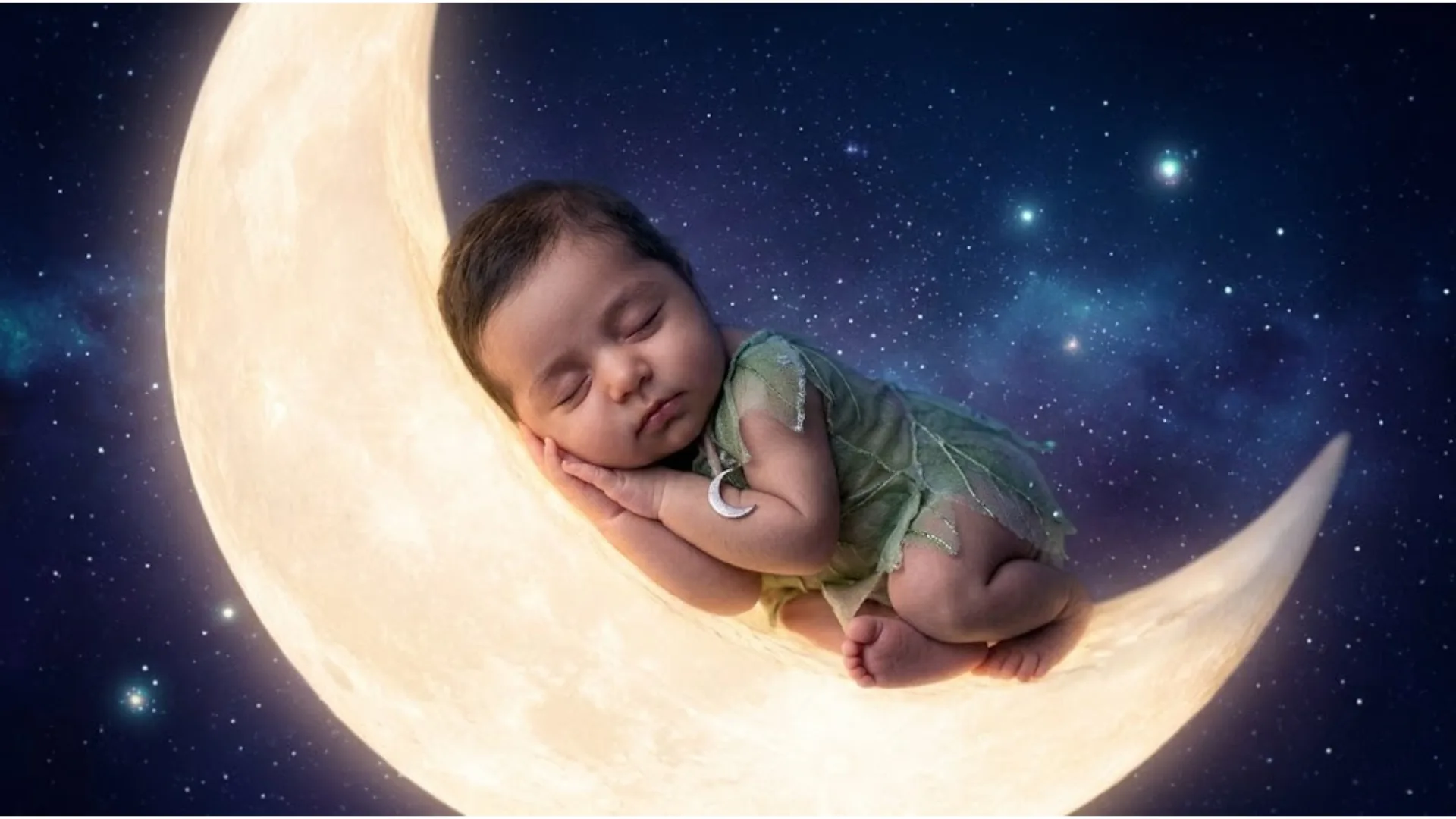
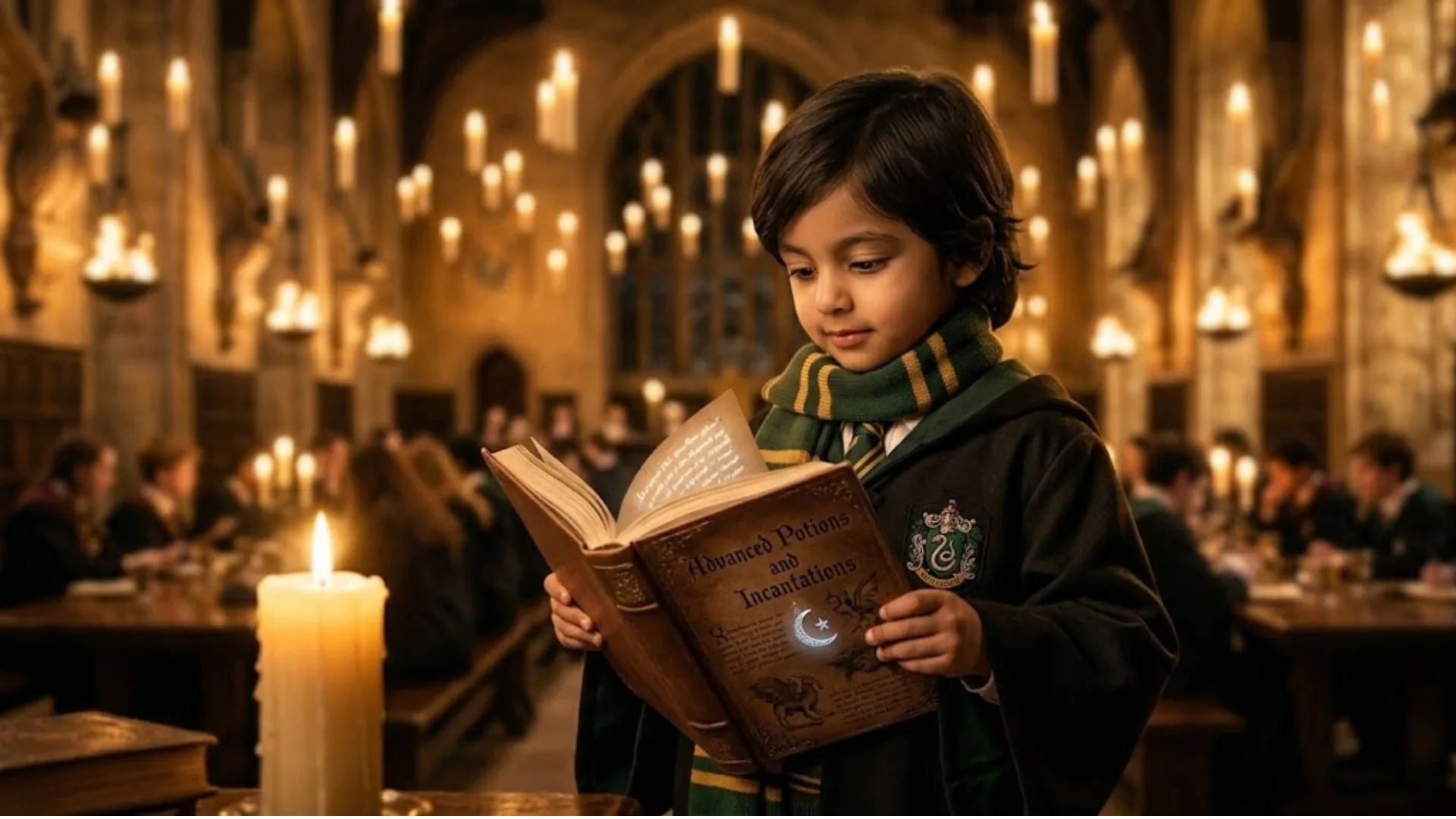
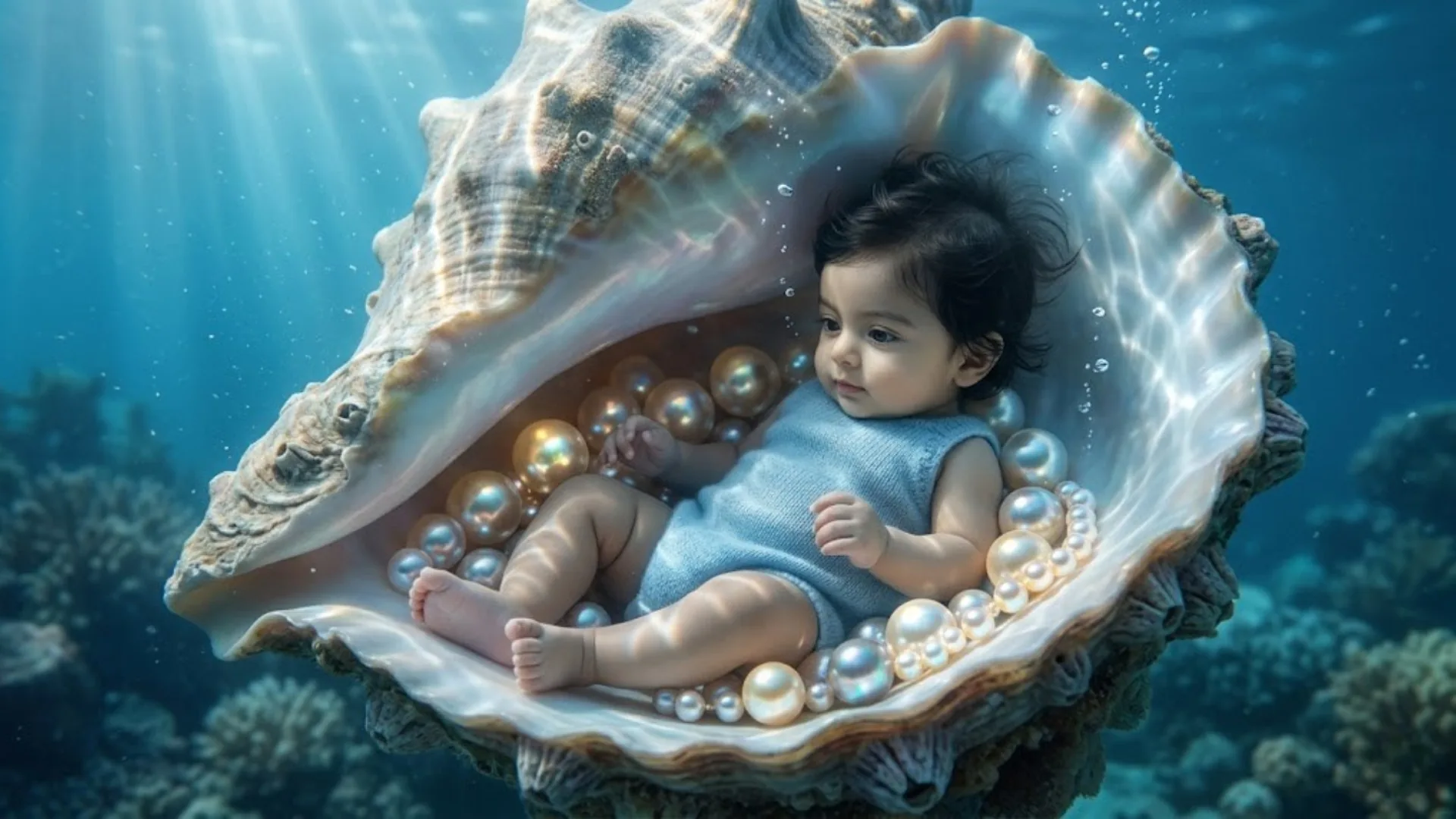
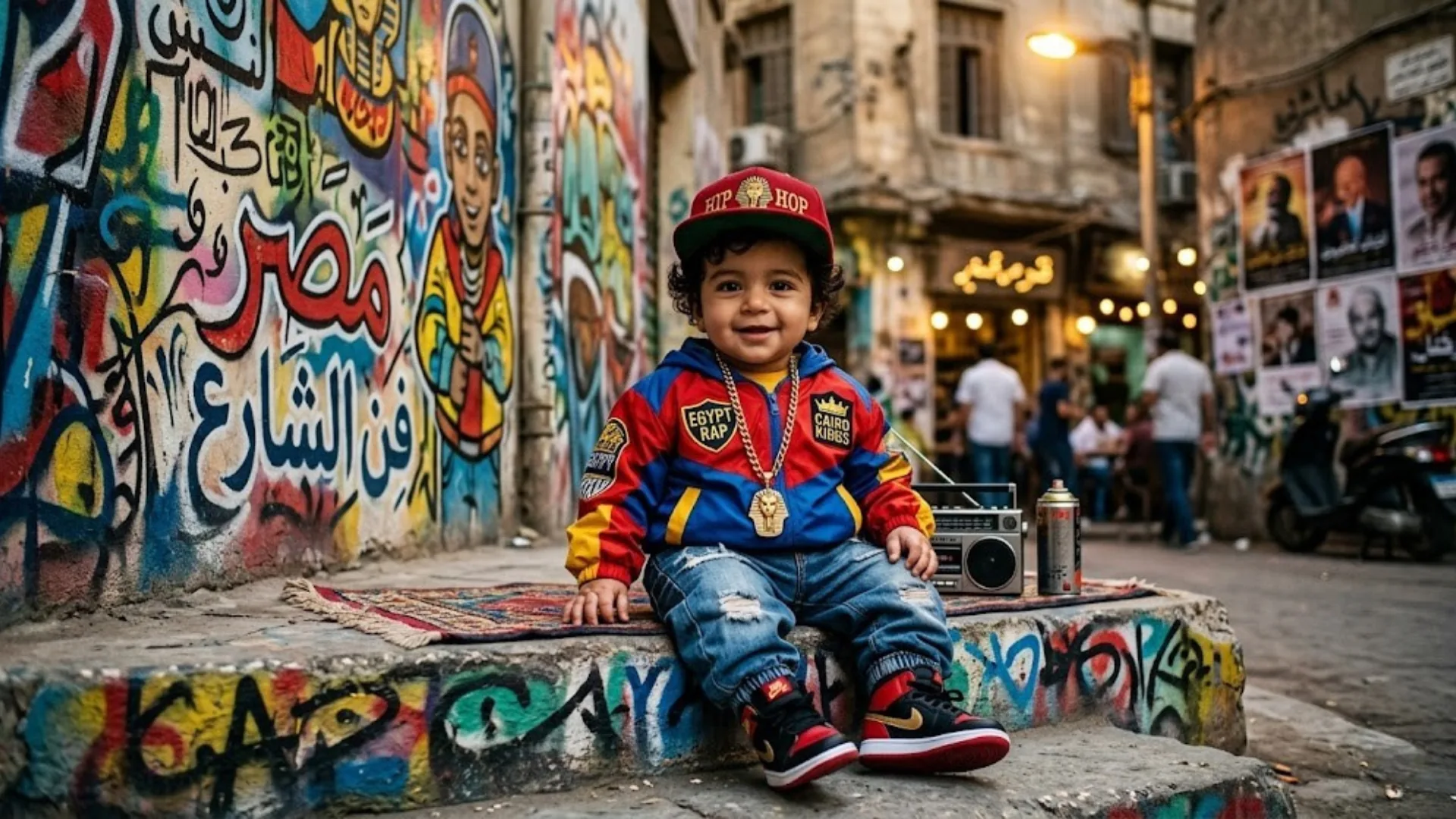
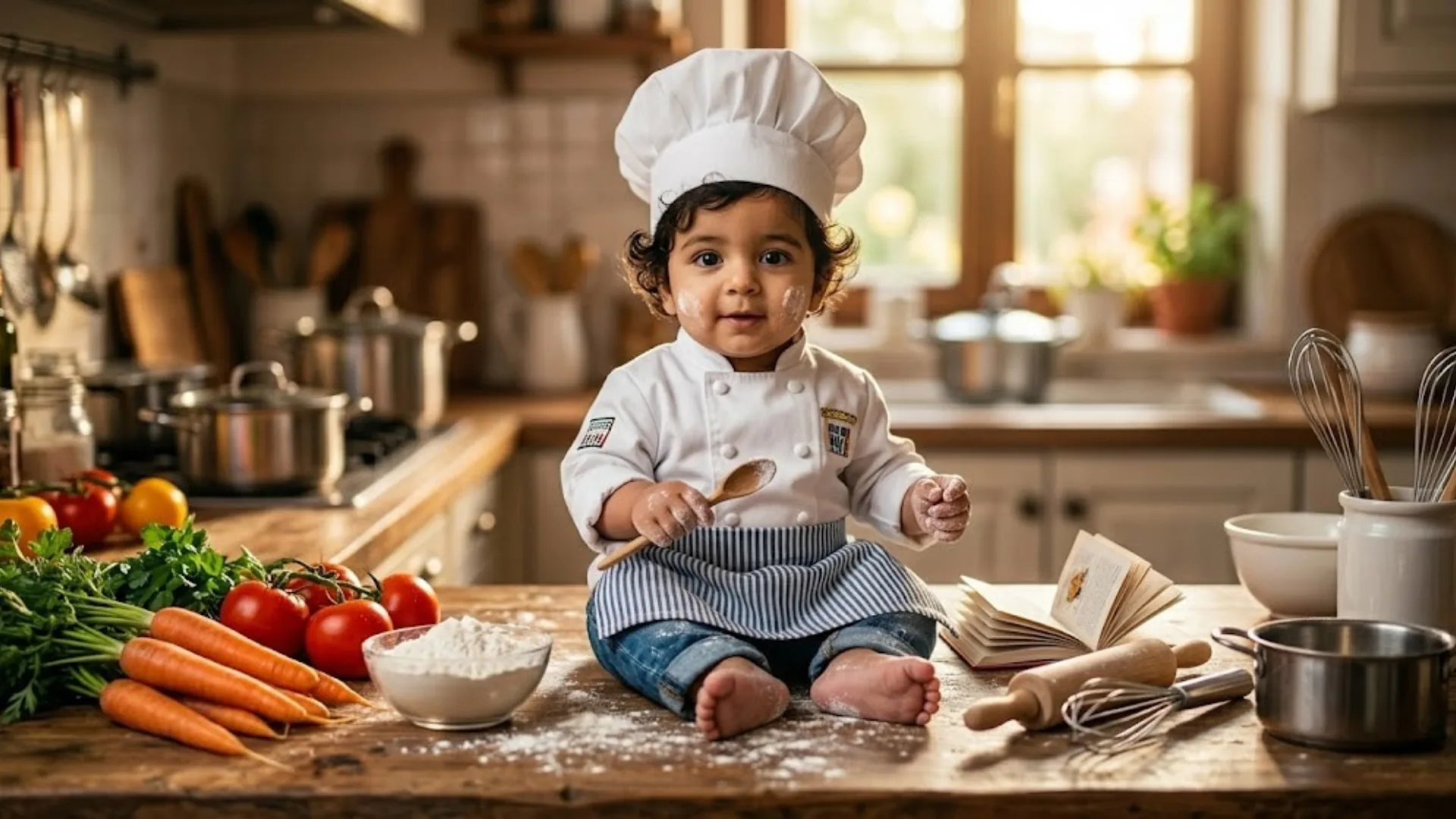
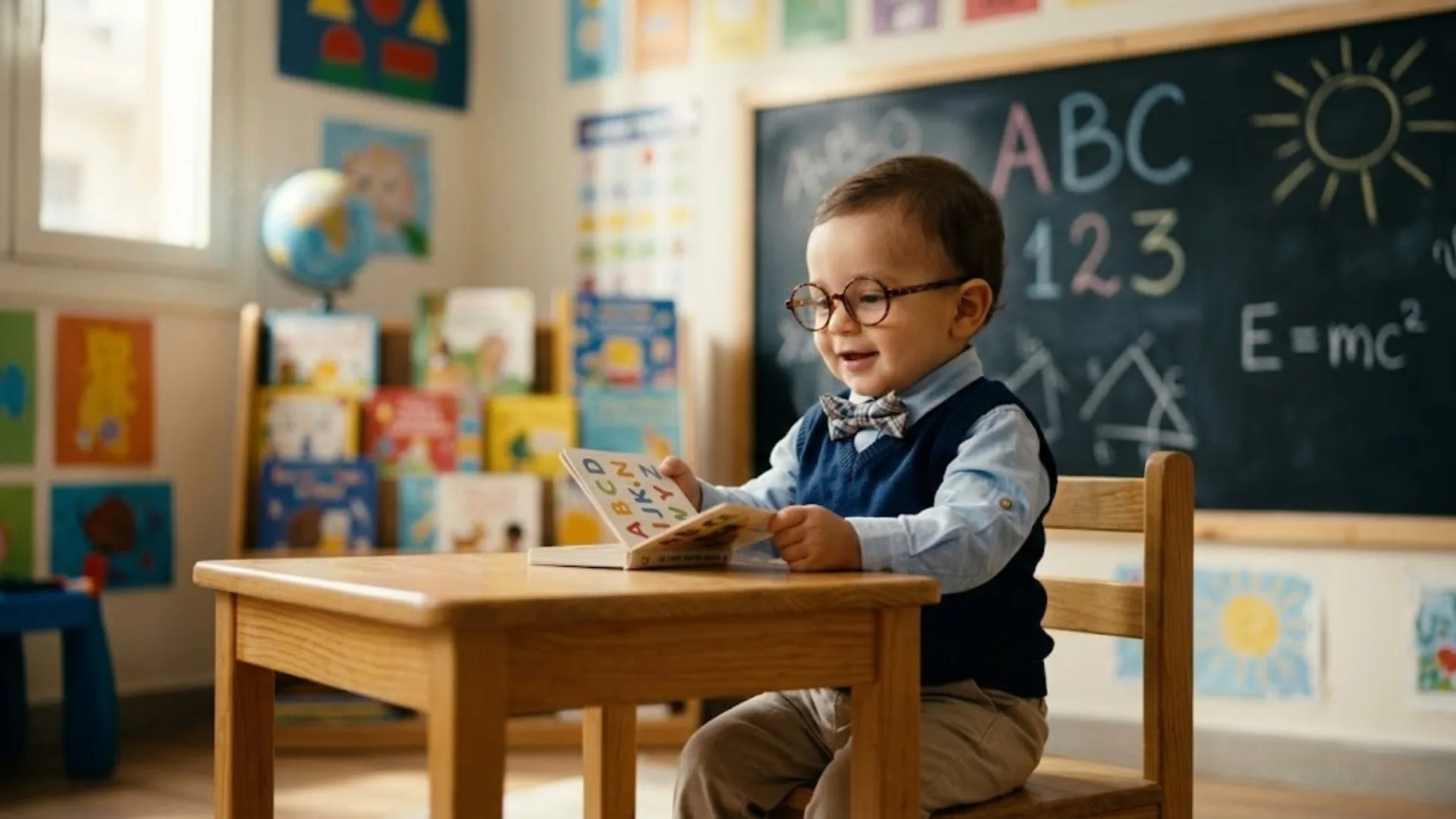
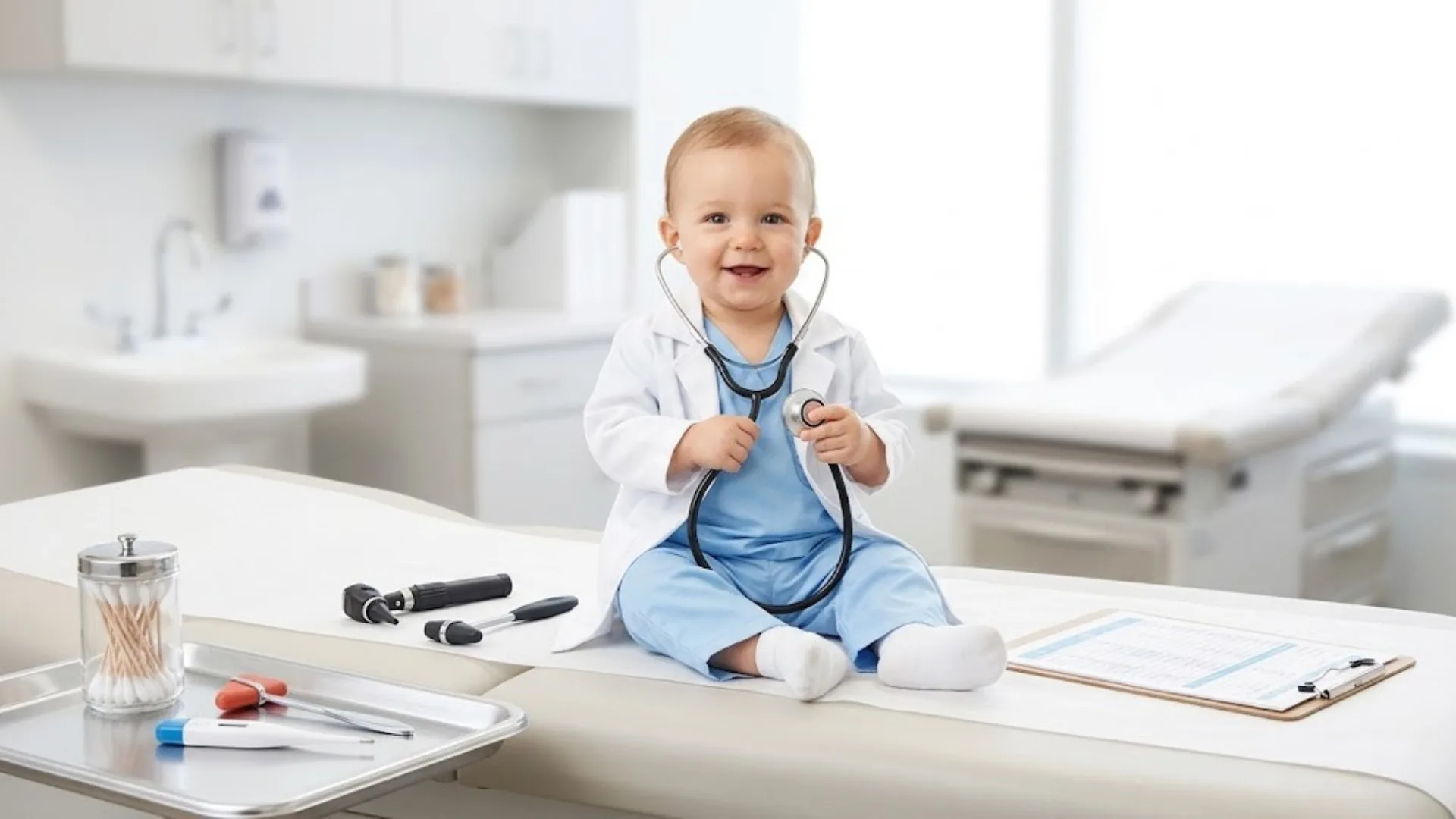
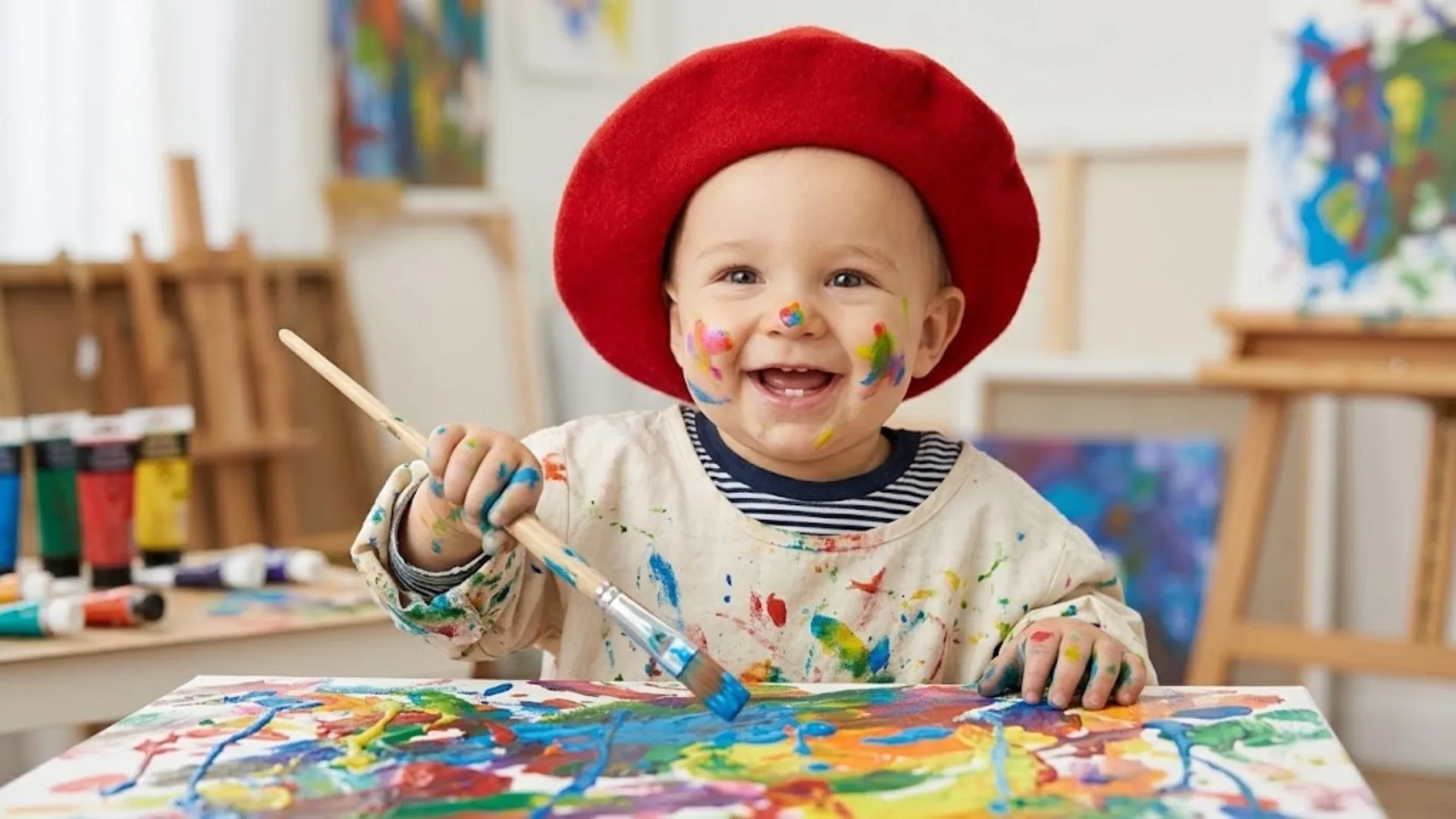
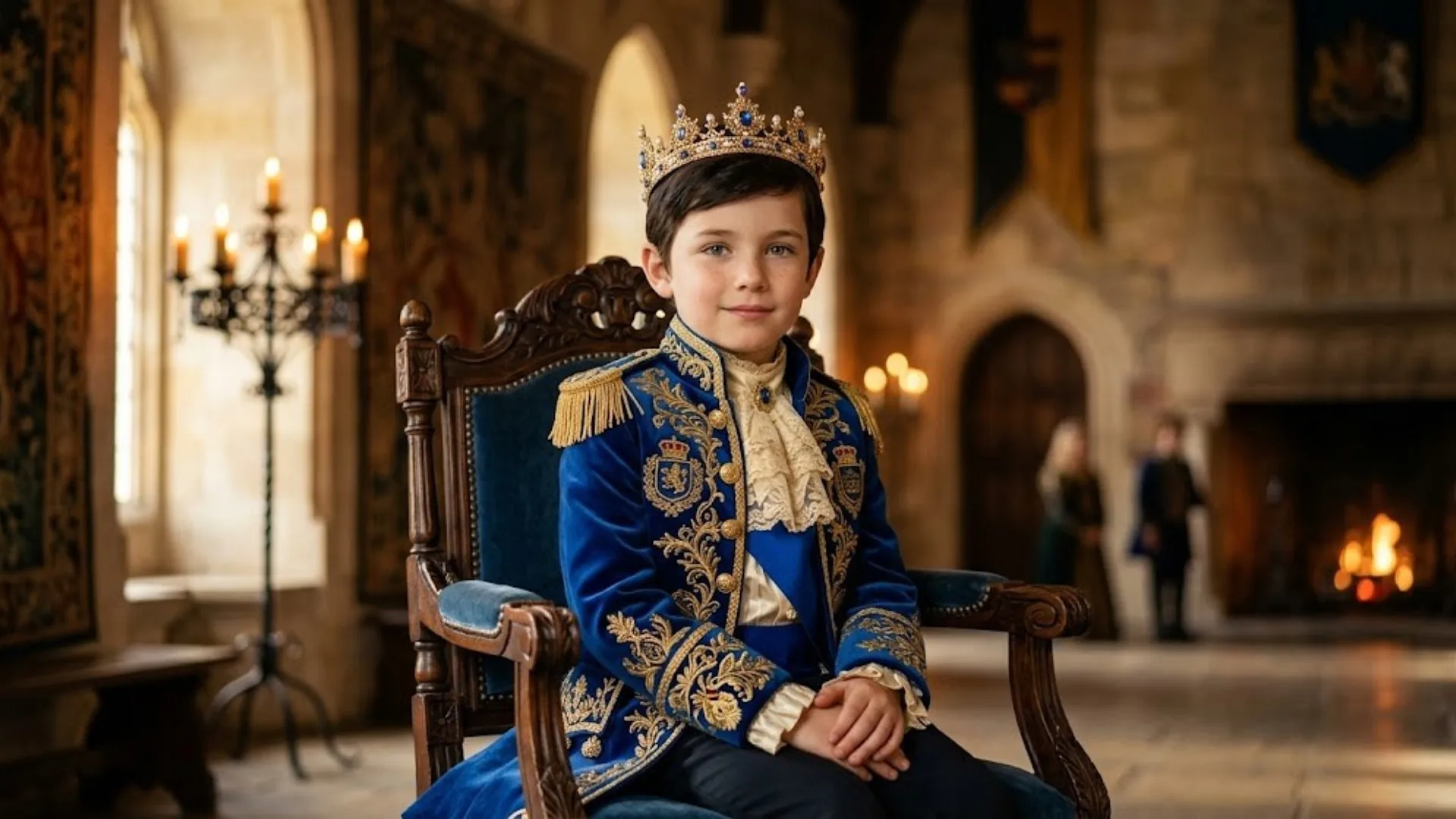
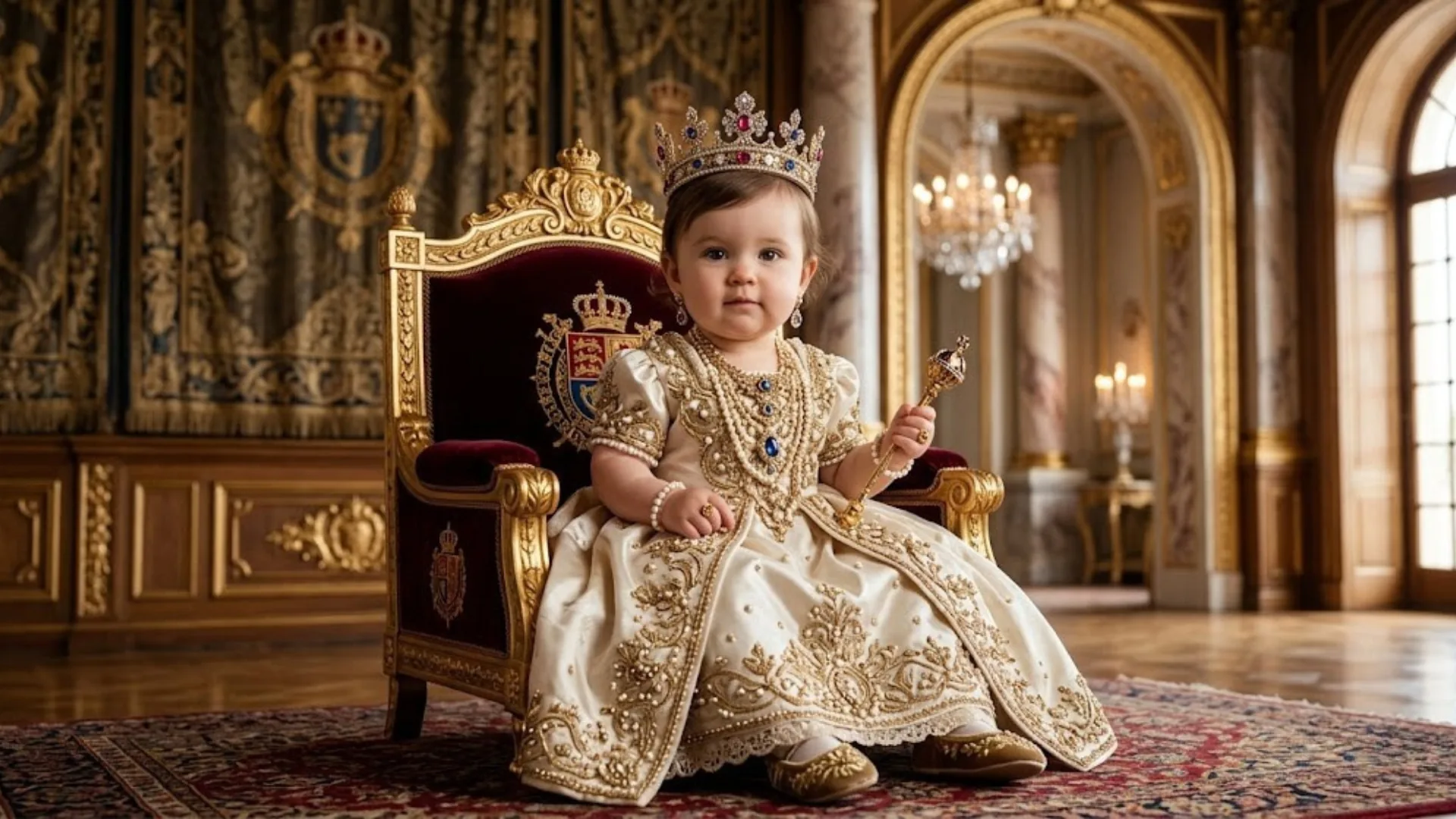
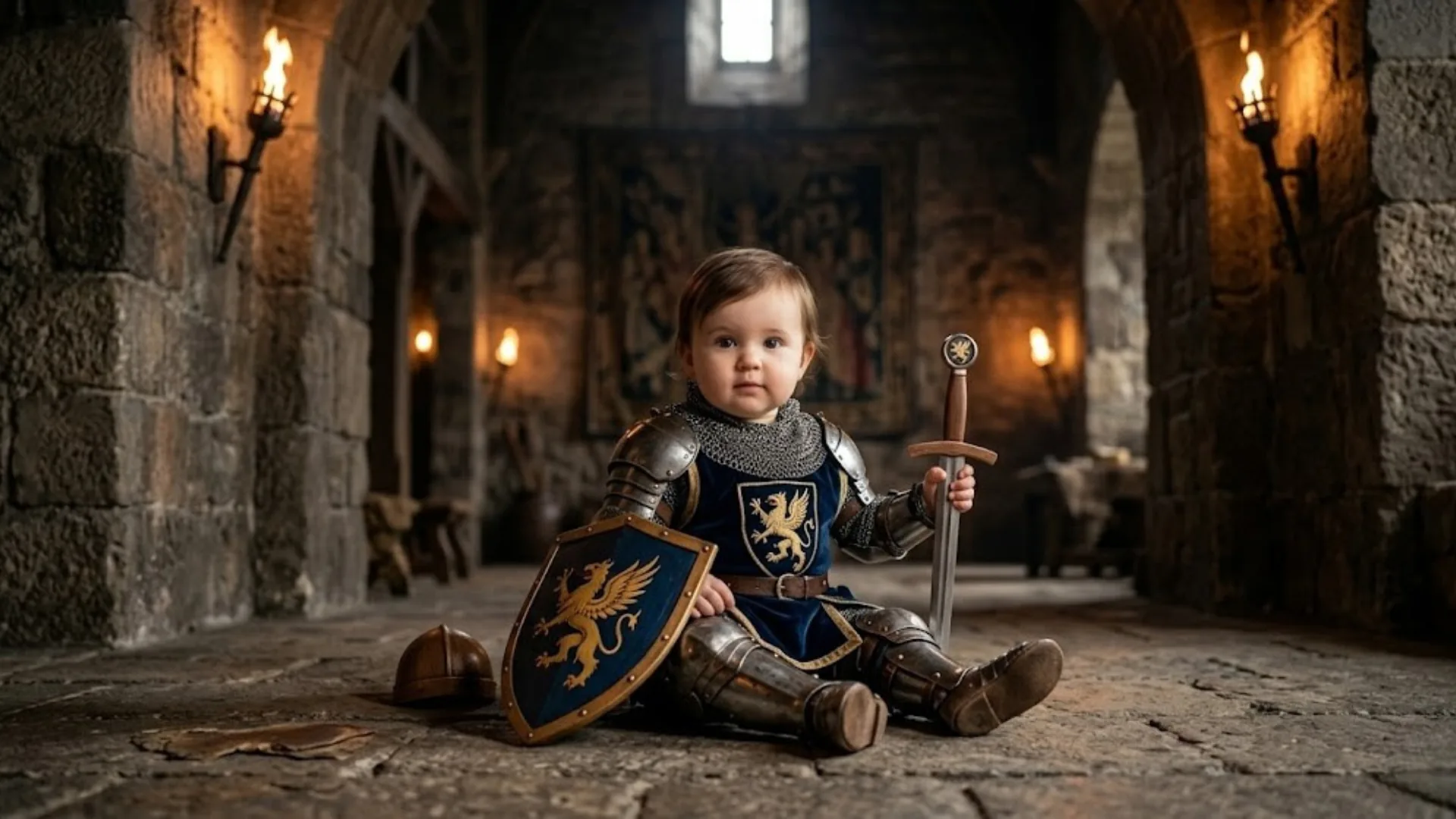
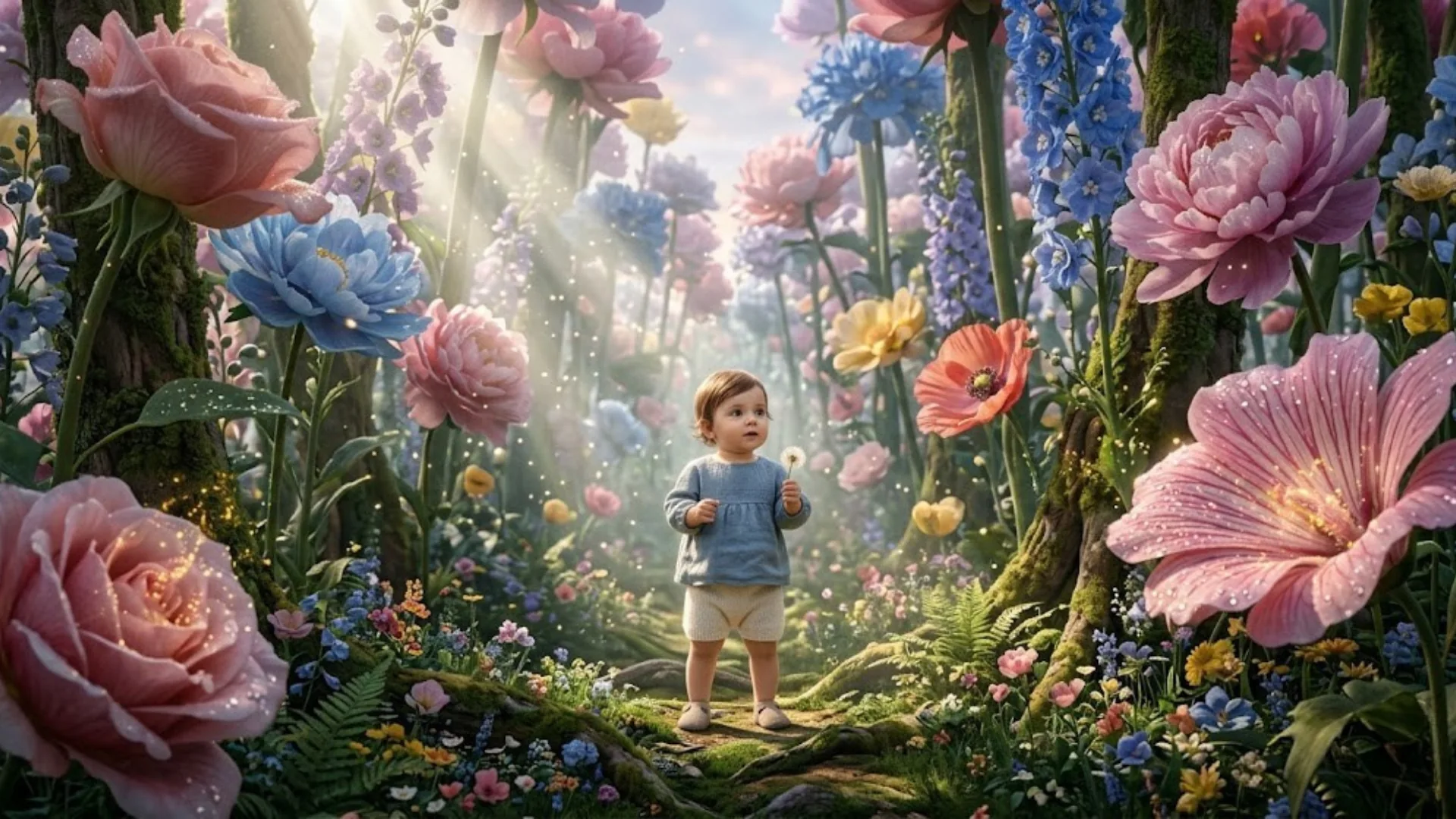
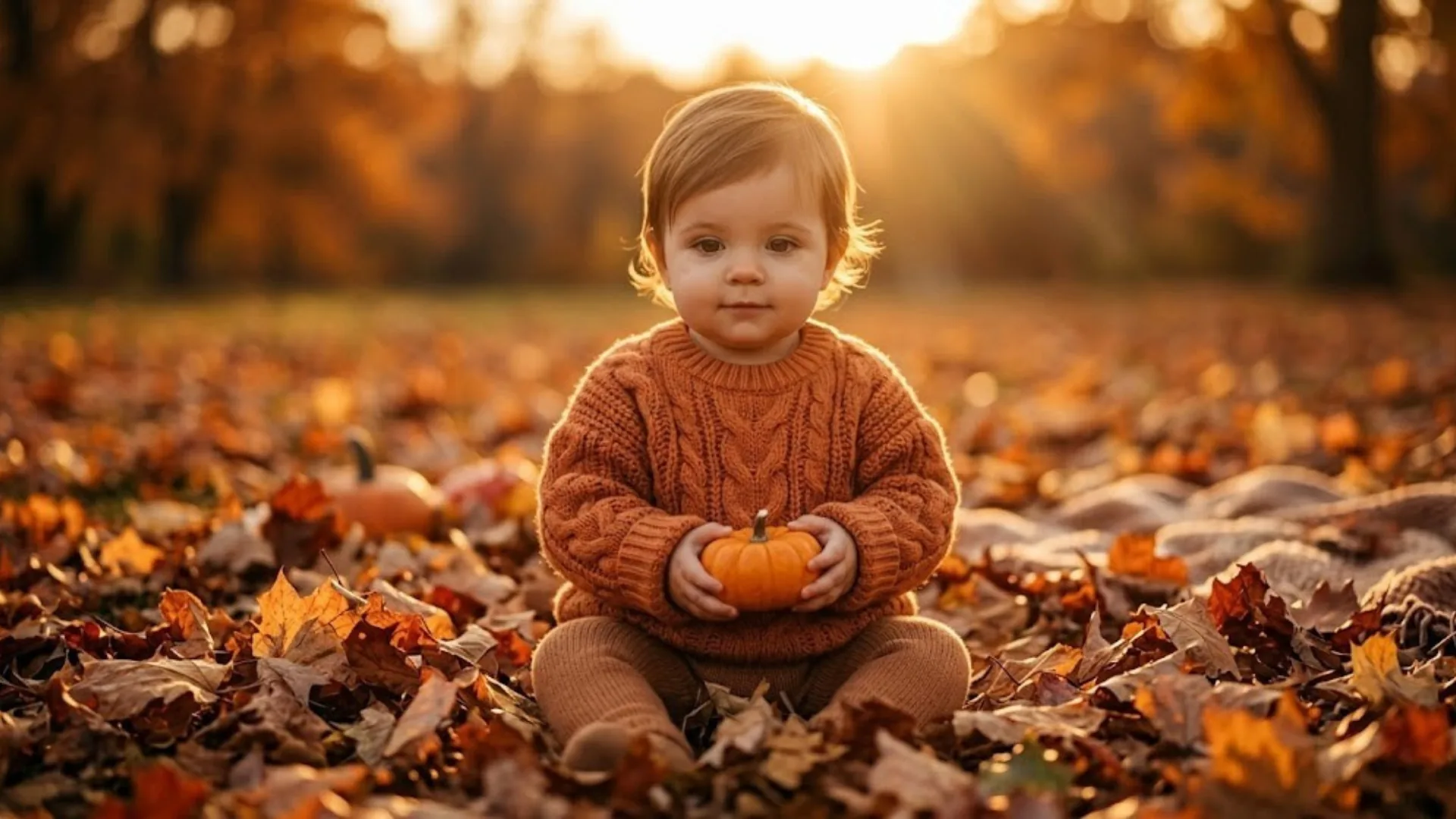
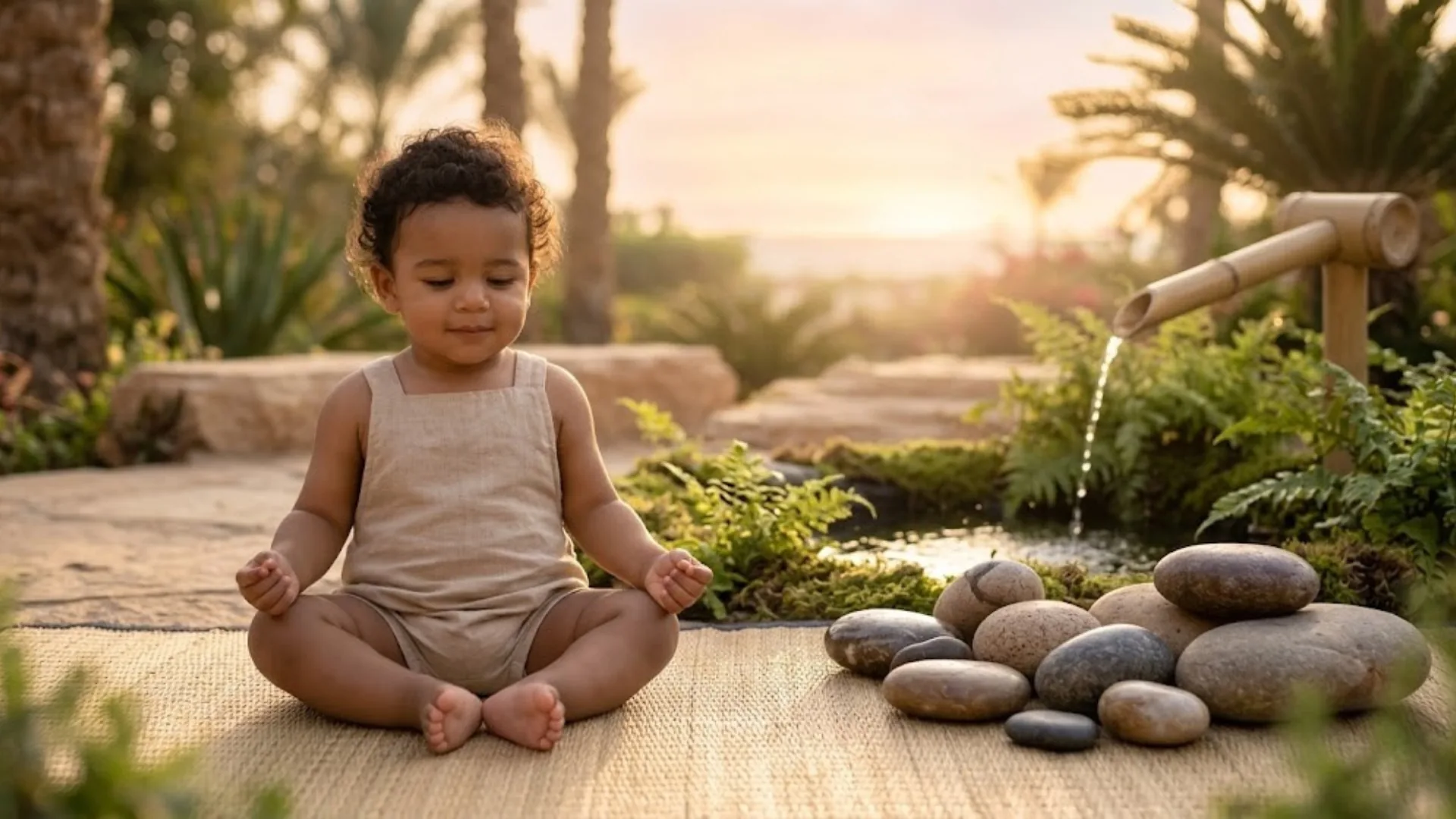
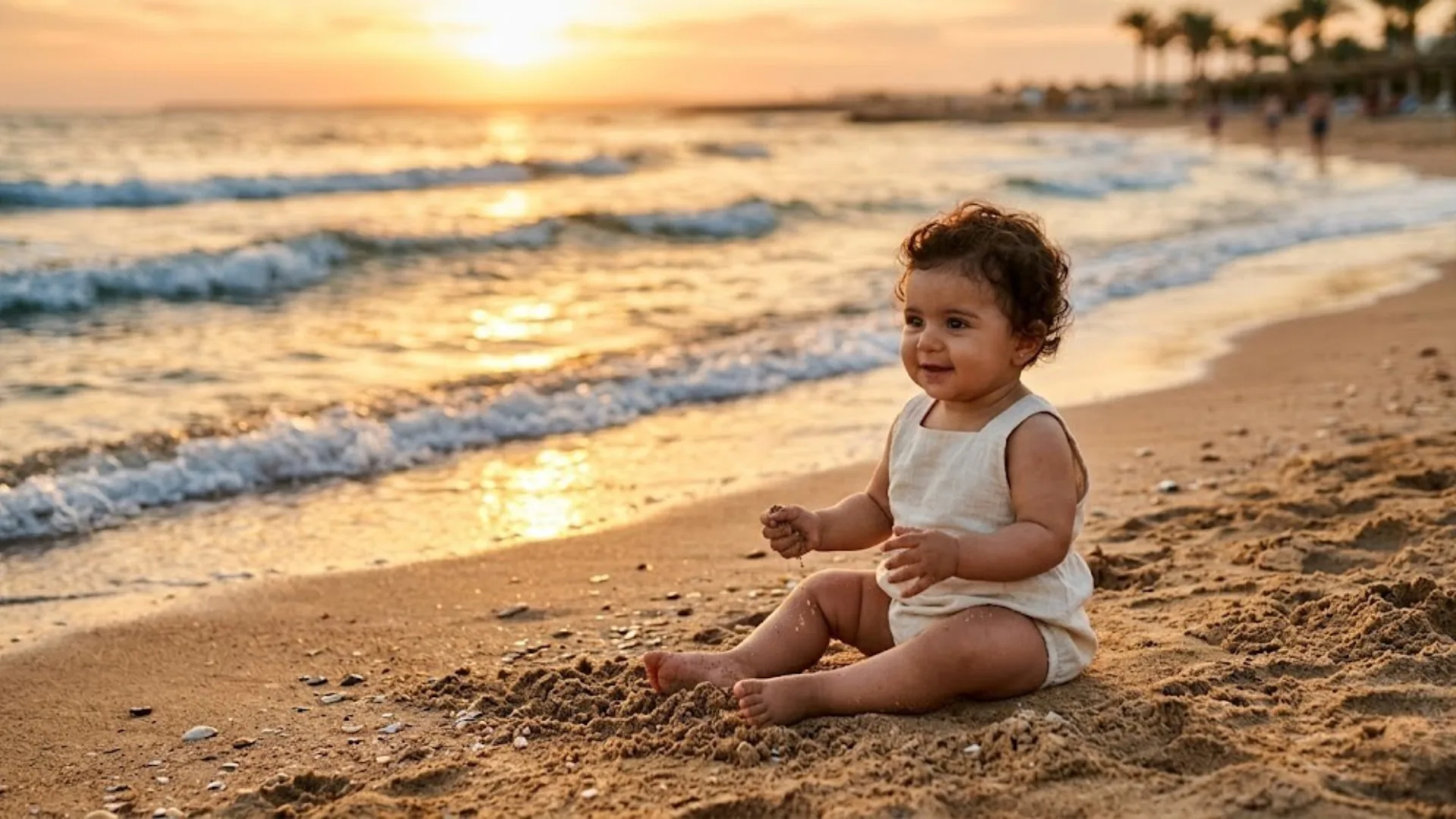
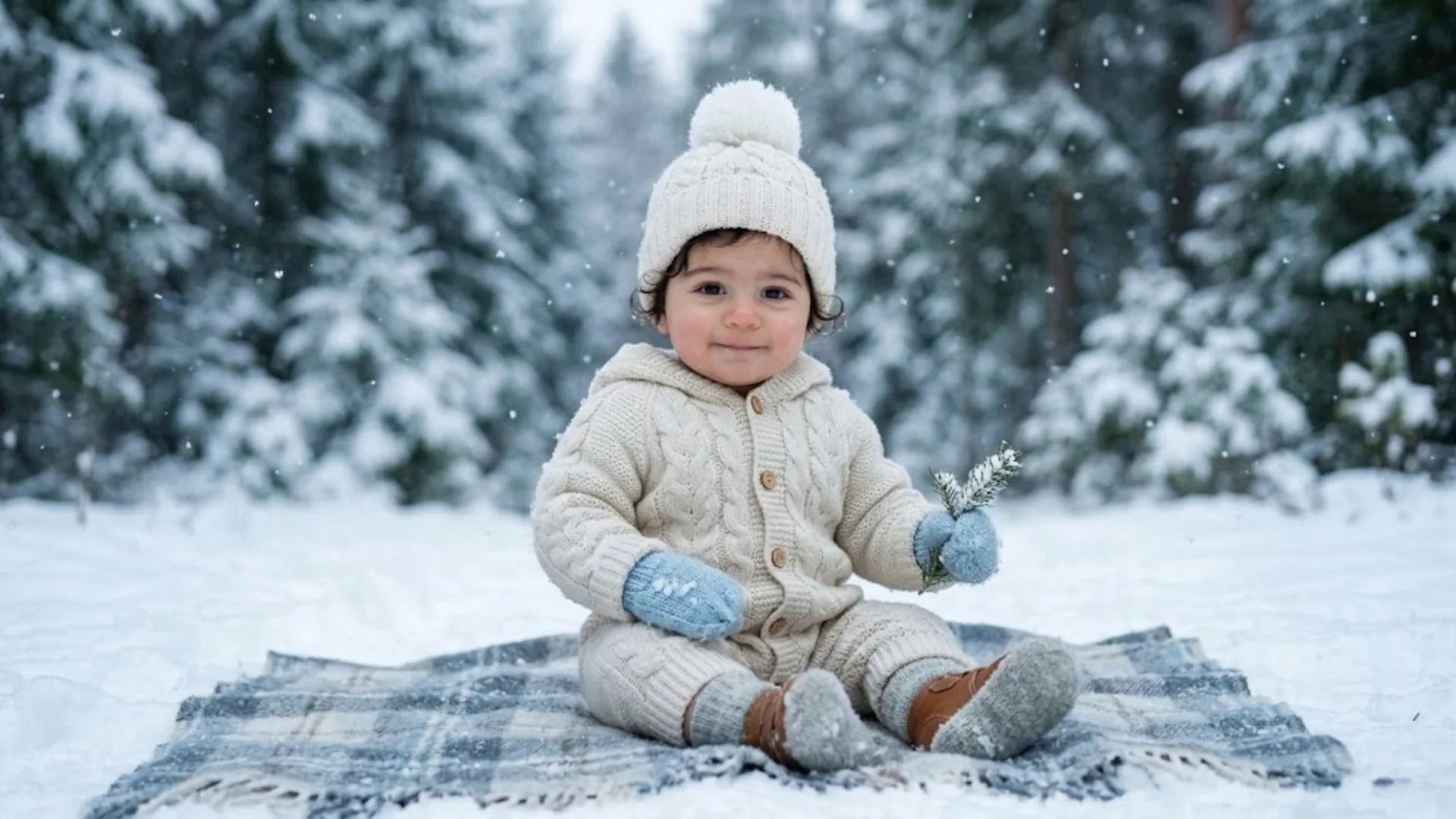
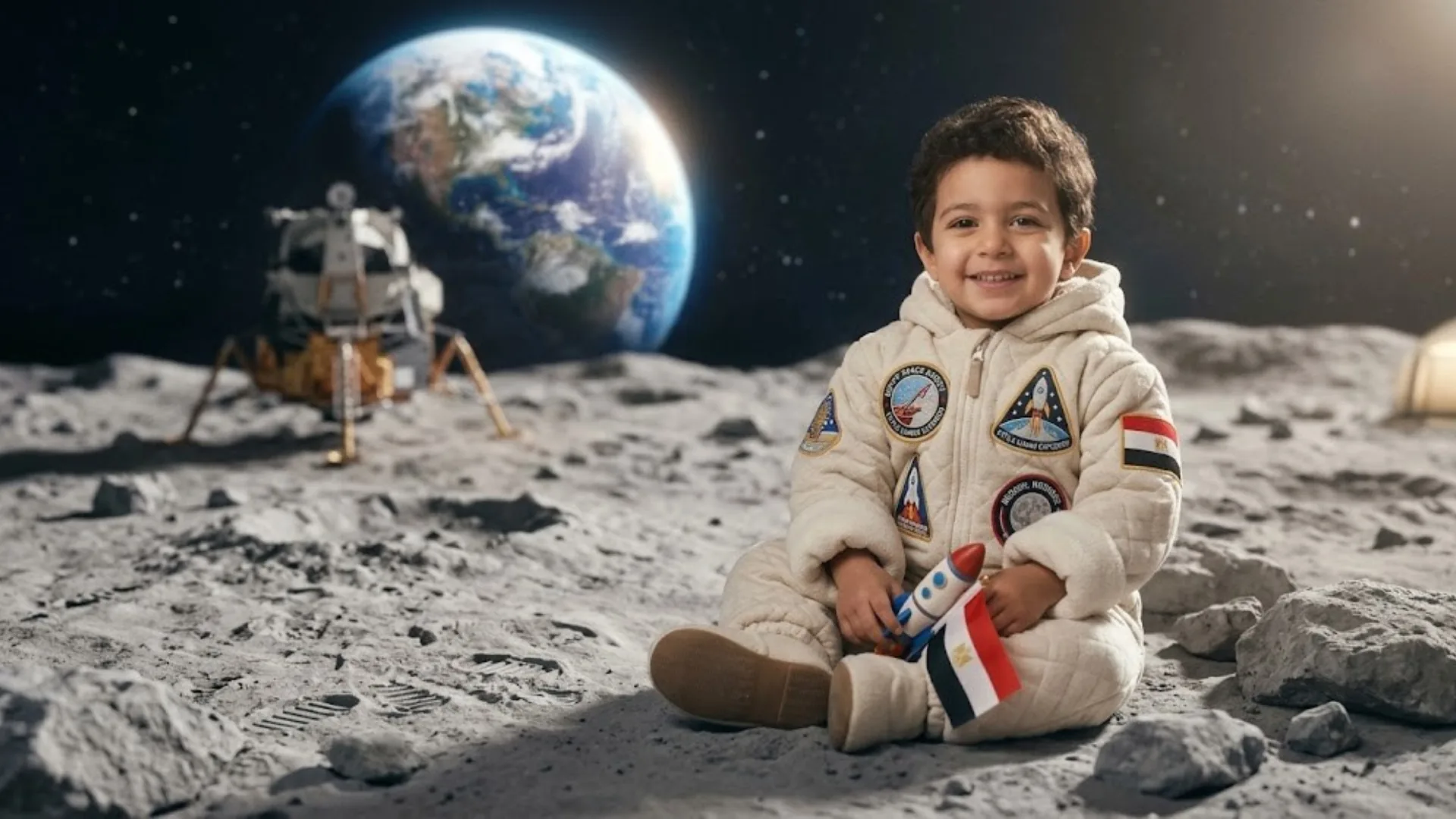
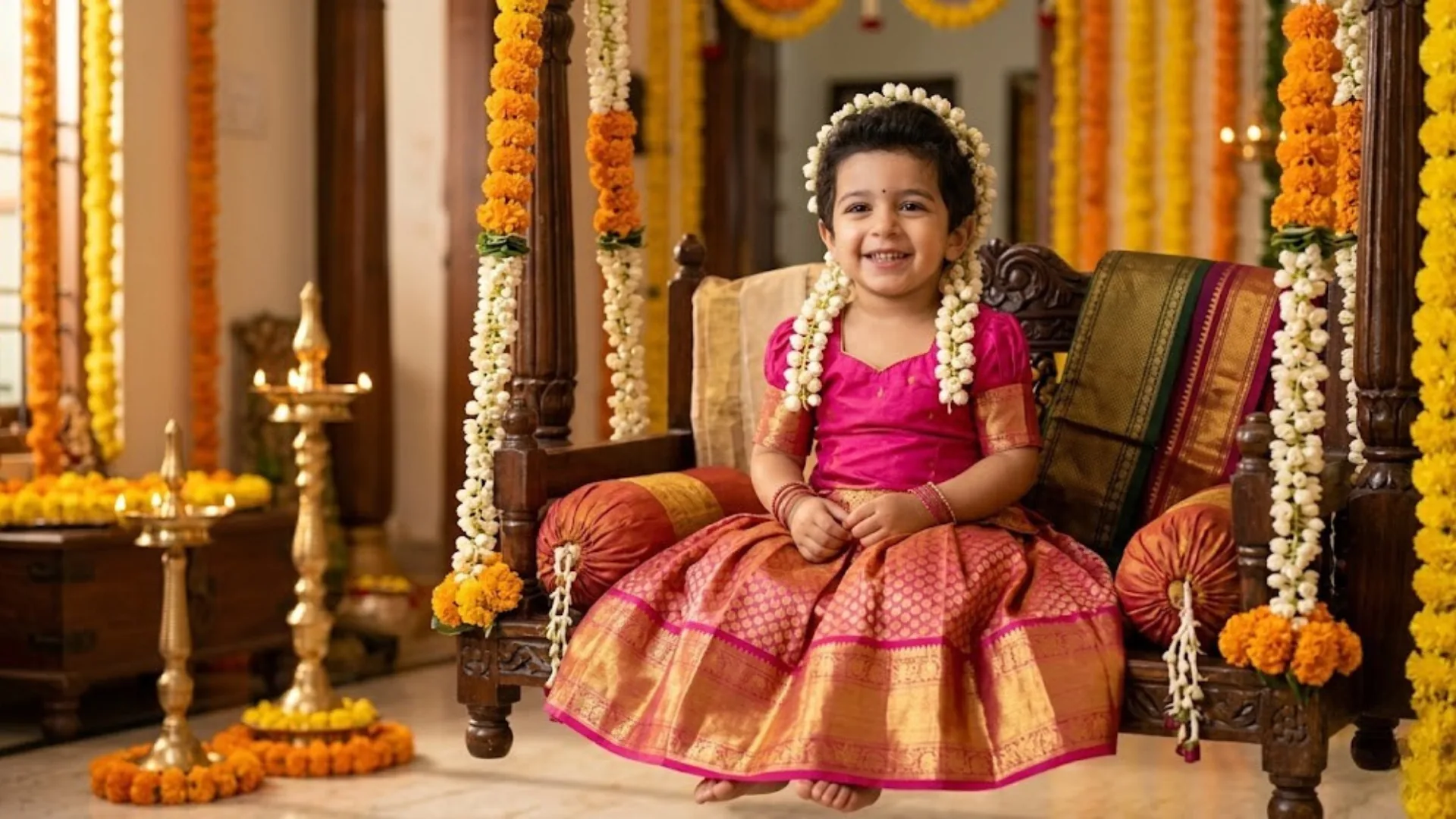
Each prompt below is structured to produce a specific themed output. Copy directly into your preferred AI generator. Append "preserve exact facial identity, do not change the face, hyper-realistic baby skin texture" at the end of each prompt when working with a reference photo.
Need a Custom Prompt? Generate It Automatically
The AI Prompt Generator turns a simple idea into a fully structured, deployment-ready prompt for Midjourney, DALL-E 3, or any other generator.
Try AI Prompt GeneratorTool Comparison: Which Platform for Which Theme
Different baby photoshoot themes produce best results on different platforms. The table below maps theme category to the optimal tool, along with any post-generation step that improves the final output.
| Theme Category | Best Tool | Why | Post-Generation Step |
|---|---|---|---|
| Fantasy / Celestial | Midjourney V6/V7 | Best cinematic lighting and environmental physics | AI Filter for color grading |
| 3D / Themed Characters | Bing Image Creator | Best embedded text accuracy and 3D render (free) | None required |
| Photorealistic Portraits | Midjourney | Highest skin and fabric realism | AI Portrait for face sharpening |
| Heritage / Cultural | Google Gemini | Better cultural entity accuracy via web grounding | Upscale with AI Upscaler |
| Quick / No Account | ModernPhotoTools Generator | Browser-based, no signup, immediate generation | None required |
| Background Replacement on Real Photo | AI Replace | Works directly on uploaded baby photos | None required |
| Print-Ready Output | Any generator + AI Upscaler | Reach 300 DPI for albums and large-format prints | Export at 4K+ |
Professional Tips for Better AI Baby Portrait Results
Prompt Engineering Tips
- Specify optical parameters exactly. "85mm f/1.8" enforces shallow depth of field and creamy bokeh. "100mm macro f/2.8" creates extreme close-up sharpness. Generic lens instructions like "blurry background" produce inconsistent results.
- Name your lighting pattern. "Rembrandt lighting," "volumetric light rays," and "golden hour rim light" are established photographic terms the model interprets consistently. "Nice lighting" gives the model full creative discretion.
- Engineer skin texture explicitly. Include "subsurface scattering," "photorealistic skin grain," and "natural pores" to eliminate the artificial, plastic appearance characteristic of unrefined AI generation.
- Add identity retention at the end of every prompt. "Preserve exact facial identity," "keep original face unchanged," and "no facial modification" placed at the end of a prompt override earlier generalization instructions.
- Use the character reference parameter in Midjourney. Append
--cref [image URL]to maintain consistent facial geometry across multiple themed generations from the same infant.
Reference Photo Quality Tips
- Use a front-facing, well-lit reference. The cleaner and more face-forward the reference photo, the more accurately the model retains facial features across different scenes. Angled or shadowed faces produce significant identity drift.
- Avoid heavily filtered reference photos. Instagram filters, skin-smoothing apps, and heavy post-processing distort the facial geometry the model uses for landmark detection.
- Upload the reference at full resolution. A 500px reference photo gives the model significantly less facial data than a 2000px equivalent — especially for fine details around the eyes and mouth.
- Generate at least 4 variations per prompt. AI output varies between generations on the same prompt. Multiple outputs consistently surface better results than single generations plus full prompt rewrites.
- Post-process with AI Filter for brand consistency. Apply the same color grade across a series of themed portraits using the AI Filter tool to create visual cohesion across an album or social media series.
Enhance Generated Baby Portraits
Sharpen skin texture, upscale for print, and apply consistent color grading across your full album.
Upscale for Print Quality Apply AI Color GradingCommon Mistakes to Avoid
✓ What Works
- Specific optical parameters — "85mm f/1.8" not "shallow depth of field"
- Named lighting patterns from photography vocabulary
- Identity retention keywords at the end of every prompt
- Clean front-facing reference photos at full resolution
- Generating 4+ variations before selecting
- Iterating on the specific failing element only
- Post-processing with AI Upscaler for print delivery
✗ Common Errors
- Vague instructions like "cute baby photo" — produces generic algorithmic averages
- Omitting negative prompts — "no plastic skin," "no distortion" prevent common AI artifacts
- Overloading the prompt with incompatible styles — produces prompt drift where critical instructions are ignored
- Using heavily filtered or angled reference photos — causes facial identity drift
- Treating the first output as final without iterating
- Rewriting the full prompt when only one element is wrong
- Not specifying aspect ratio — produces incorrect dimensions for the intended output format
Frequently Asked Questions
Is AI-generated baby photography safe?
Yes. AI generation uses an existing reference photo of the baby — the infant never needs to be physically posed, handled, or kept awake for an extended session. There is zero physiological stress on the subject. The reference photo itself is a standard snapshot that can be taken in any environment at any time, without studio lighting or professional equipment.
Which AI models produce the most realistic baby portraits?
Midjourney V6/V7 produces the highest photorealism for skin texture, cinematic lighting, and environmental physics. Google Gemini (Nano Banana 2 / Nano Banana Pro) delivers excellent results with real-time web grounding for cultural and heritage themes. For browser-based generation without any account or subscription, the ModernPhotoTools AI Image Generator produces professional-grade results accessible from any device.
How do I keep the baby's face consistent across different AI scenes?
Upload a clear, well-lit, front-facing reference photo of the baby. Append explicit identity preservation keywords to every prompt: "preserve exact facial identity," "keep original face unchanged," "no facial modification." In Midjourney, use the --cref [image URL] parameter to lock facial consistency across multiple themed generations. For editing real photos with themed backgrounds rather than full generation, use the AI Replace tool — it preserves the original face while replacing only the environment.
What is the best resolution setting for AI baby photos?
Include "8K resolution," "ultra-detailed," and "hyper-realistic skin texture" in your prompt. Specify lens parameters like "85mm f/1.8" for portrait-appropriate shallow depth of field. Most AI generators output at 1024–2048px, which is sufficient for digital use. For physical albums, large-format prints, or framed portraits, run the output through the AI Image Upscaler to reach 300 DPI at print dimensions without quality loss.
Can I use these prompts for toddlers and older children, not just newborns?
Yes. Most prompts in this guide are designed for infants aged 0–12 months but adapt directly to toddlers and children up to age 7–8. Adjust the subject description accordingly — "a 3-year-old toddler" or "a 7-year-old child" — and the rest of the prompt structure remains identical. For the Wizard Student and Royal Prince prompts, the subject is already specified as a 6–7 year old. The facial identity retention instructions apply equally regardless of the subject's age.
The Future of AI Infant Photography
The shift from physical studio sessions to AI-generated infant portraits is already underway in every segment of the photography market — from professional photographers using AI to expand their creative offerings without additional studio costs, to parents generating themed birth announcements and milestone portraits from their own reference photos at home.
The next development that will change this workflow significantly is face-consistent video generation. Static AI portrait generation for infants is approaching solved-problem status for most commercial and personal use cases. The active development frontier is short-form video — 5–10 second clips where the AI-generated baby subject moves naturally within the themed environment. Tools like Runway Gen-3 and emerging Google Veo capabilities are already producing early versions of this, and consumer-accessible quality for video infant portraits will arrive within the next 12–18 months.
For practical use today: the 20 prompts in this guide cover the full range of trending baby photoshoot themes across fantasy, heritage, professional, and lifestyle categories. Each prompt is structured to minimize generic output and maximize photorealistic identity retention — the two failure modes that separate professional AI portraits from amateur ones. Choose the theme, upload the reference, paste the prompt. The result requires no physical studio, no newborn handling, and no photo editing skills to achieve professional-grade output.
Start Generating Baby Portraits Now
Browser-based, free to start, no account required.
Open AI Image Generator