Best 10 AI Wedding Photo Prompts (Copy-Paste Ready for Midjourney & DALL-E)
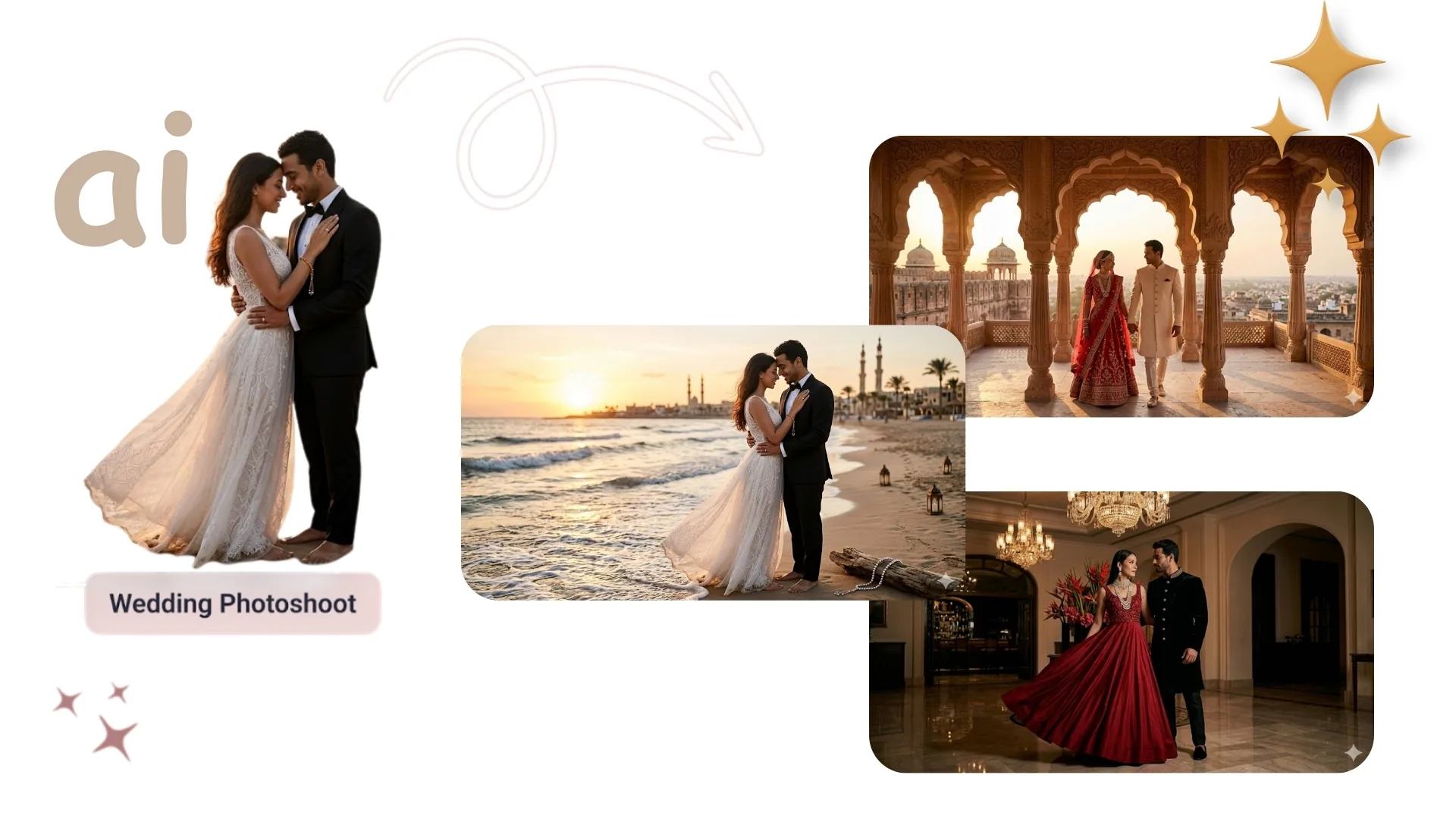
AI image generators convert structured text descriptions into photorealistic wedding imagery — but only when prompts are engineered with precision. Generic descriptions produce waxy skin textures, impossible fabric draping, and artificial lighting that immediately reads as synthetic. Professional-grade results require technical prompt structures that emulate real camera hardware, film stocks, and lighting physics. This guide delivers 10 ready-to-use prompts across every major wedding visual category, a practical example with exact Midjourney parameters, pro tips on optics and material science, and the structural mistakes that destroy output quality before generation begins.
Table of Contents
- Quick Summary
- The Problem with Generic Wedding Prompts
- Anatomy of a Professional Wedding Prompt
- 10 Ready-to-Use AI Wedding Photo Prompts
- Practical Example: Cathedral Portrait in Midjourney
- Tool Comparison: Midjourney vs DALL-E vs Stable Diffusion
- Professional Tips
- Common Mistakes to Avoid
- Frequently Asked Questions
- The Future of AI Wedding Photography
Quick Summary
AI image generators convert text descriptions into photorealistic wedding imagery. Generating professional-grade photos requires precise prompt engineering utilizing optical terminology, lighting physics, and material science — not generic descriptors like "beautiful wedding photo." The 10 prompts in this guide are pre-engineered with specific camera bodies, focal lengths, aperture values, lighting patterns, and fabric physics that together produce editorial-quality outputs on the first or second generation pass.
For couples and content creators who need professional-looking wedding visuals without the cost of a full photography package, these prompts work directly in Midjourney V6.1, DALL-E 3, and Stable Diffusion. For editing existing wedding photos — background replacement, upscaling, or color grading — use the AI Replace tool and AI Image Upscaler directly on uploaded photos.
Critical Optical Variables
- 85mm f/1.2 — portrait compression, creamy bokeh
- 35mm lens — dance floor, wide environmental shots
- 50mm f/1.4 — natural perspective, ceremony scenes
- Wide-angle 35mm — landscape elopements
- Canon EOS R5 / Nikon Z7 II — camera body realism
- ISO 100–200 — clean, low-noise base exposure
- f/1.2–f/1.8 — shallow depth, subject isolation
- High shutter speed — motion freeze (confetti, petals)
Lighting & Material Keywords
- Rembrandt lighting — studio dramatic shadow
- Golden hour — warm outdoor directional glow
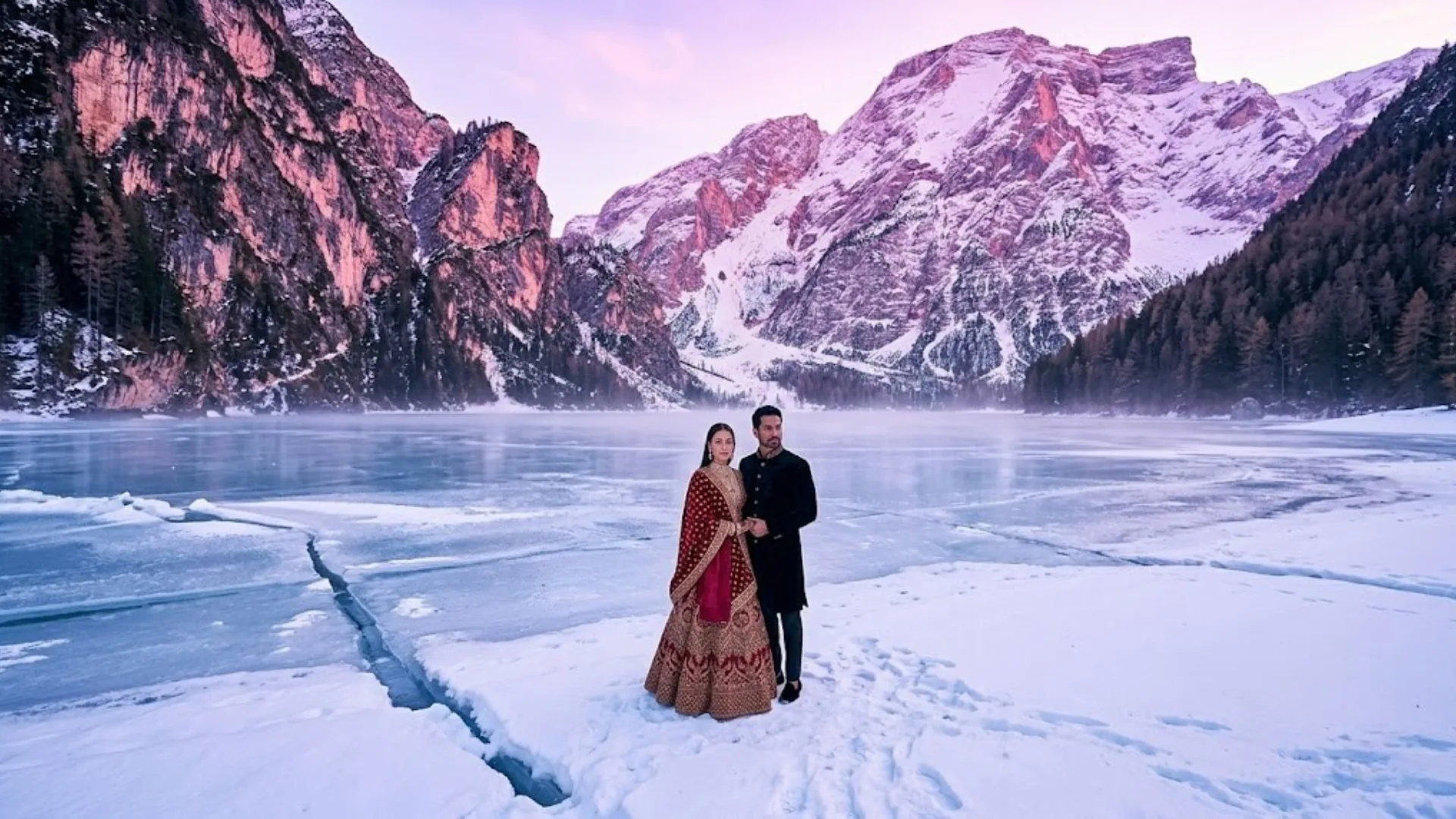
- Alpenglow — pink/violet mountain twilight
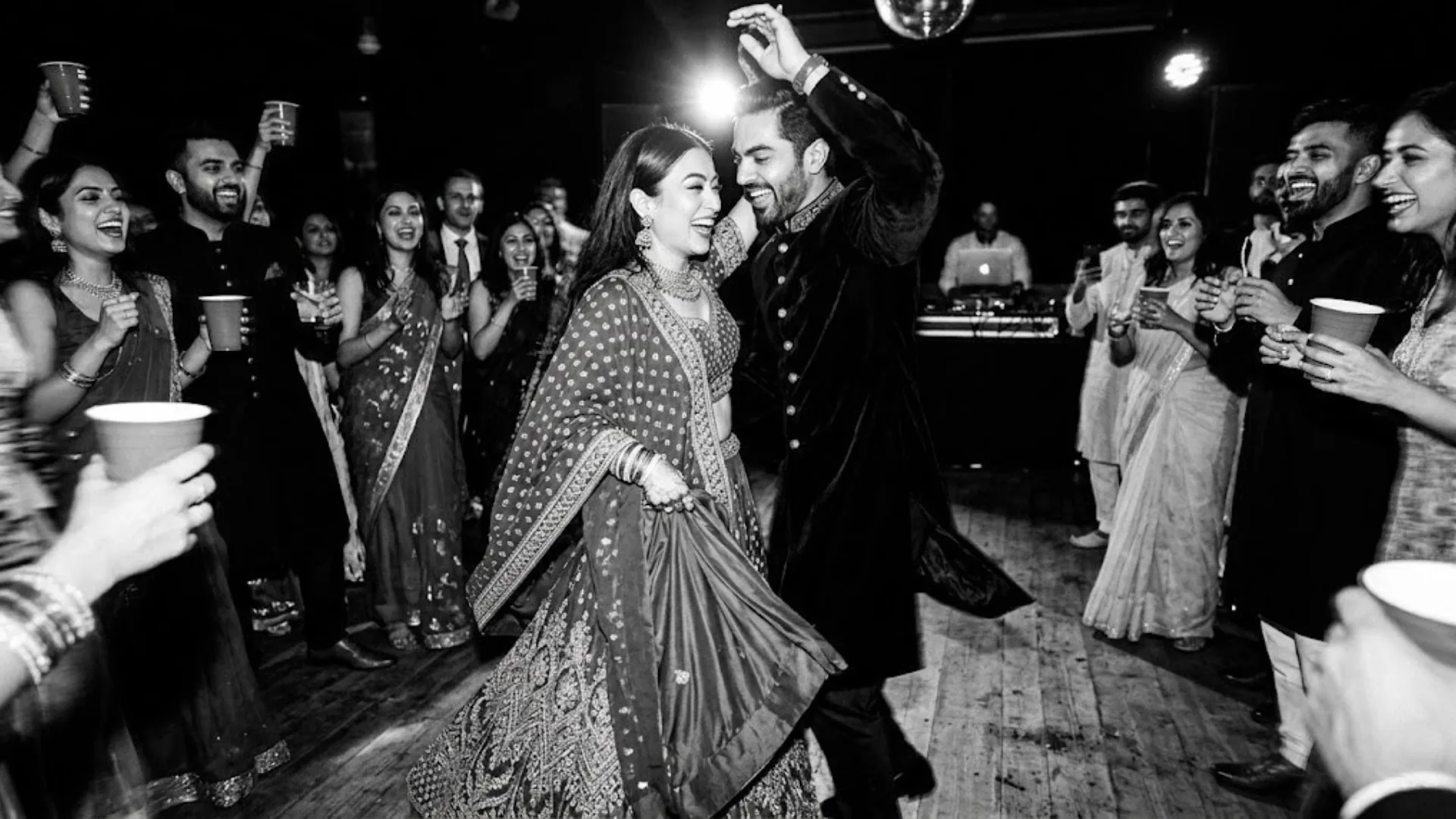
- Direct flash — high-contrast candid night
- Stained glass diffusion — cathedral color patterns
- Beaded lace / voluminous tulle — fabric physics
- Kodak Portra 400 — film grain, peachy skin tones
- Visible pores / natural skin oiliness — skin realism
The Problem with Generic Wedding Prompts
Generic text prompts generate imagery with artificial aesthetics — "waxy" skin textures that look like porcelain rather than human skin, fabric that drapes with impossible physics, and lighting that has no identifiable source or direction. The result is immediately recognizable as AI-generated: technically composed but visually unconvincing.
Couples and creators require professional-looking editorial portraits without the cost of traditional photography packages — which regularly reach $3,000–$8,000 for a full wedding day. Bridging this gap requires technical prompt structures that emulate high-end camera hardware and film stocks. The AI model is not a photographer making lighting decisions; it is a pattern-matching system. Give it the technical parameters of a real photograph and it produces output that resembles one. Give it vague emotional descriptors and it defaults to its highest-frequency training pattern — which is generic, over-processed, and synthetic.
The same principle applies when editing real wedding photos. Using the AI Portrait tool for skin enhancement or the Background Remover for environment swaps requires the same level of specificity in the edit instruction. For a full framework on structured prompt engineering across all photo types, see the master AI photo editing prompts guide.
Anatomy of a Professional Wedding Prompt
Every effective wedding AI prompt contains six layers. Each layer removed reduces output quality predictably.
Scene & Subject
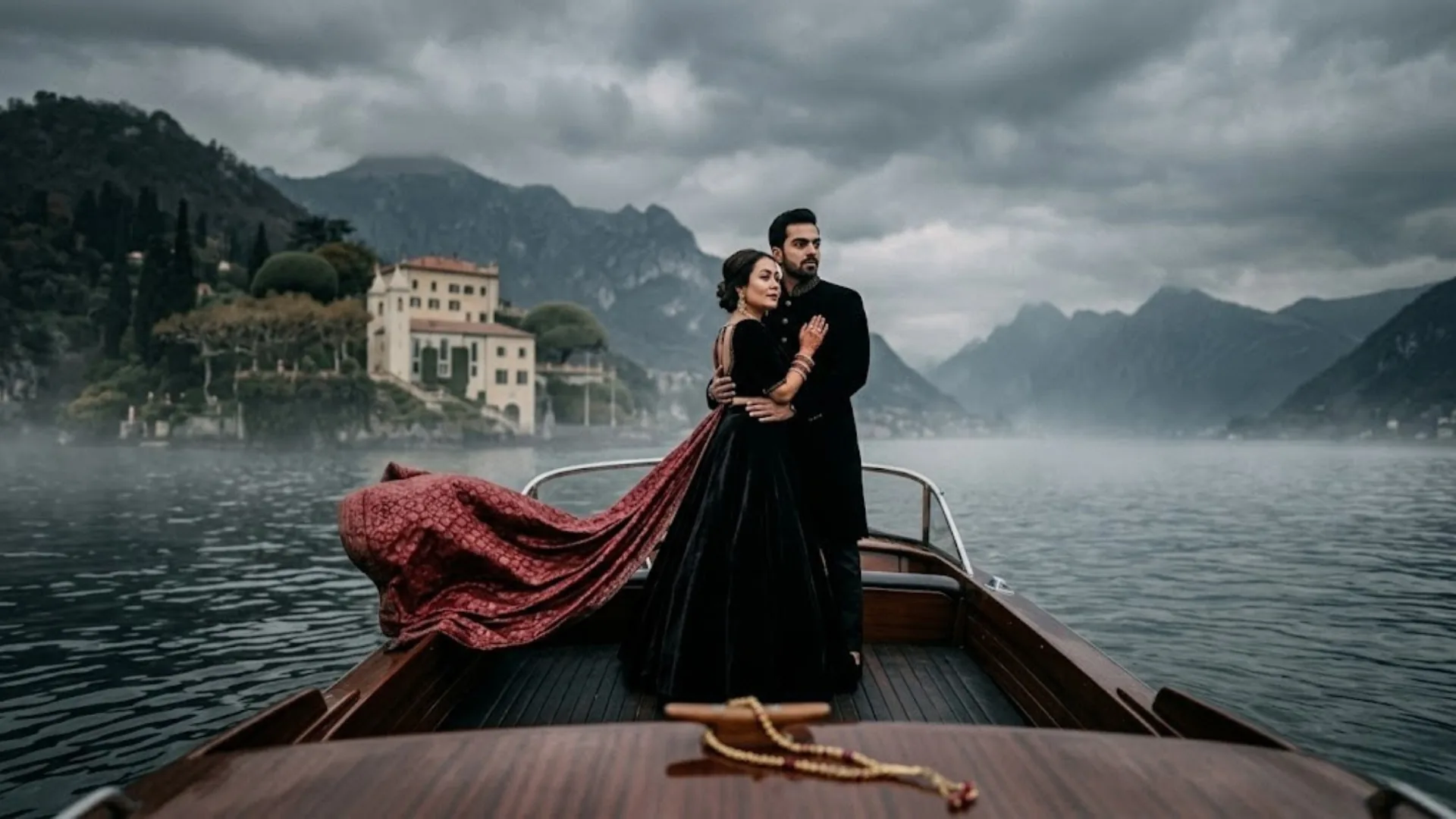
Define the environment and subject with visual specificity. Not "wedding photo" — "bride standing in the center aisle of a grand cathedral" or "couple on a vintage wooden boat on Lake Como."
Material & Garment Physics
Describe fabric weight, construction, and surface. "Cathedral-length veil in an ethereal cloud of lace and tulle" tells the model exactly how the fabric moves and reflects light. "White dress" does not.
Lighting Pattern
Name the lighting technique: Rembrandt, golden hour, alpenglow, direct flash, stained glass diffusion. Each produces a specific shadow pattern and color temperature the model replicates accurately.
Optical Specification
Specify the camera body, focal length, aperture, and ISO. "Canon EOS R5, 85mm f/1.2 lens, ISO 200, f/1.8" gives the model the exact depth-of-field compression and bokeh quality that lens produces.
Skin & Texture Realism
Add skin texture descriptors to prevent the uncanny valley effect: "visible pores," "subtle peach fuzz," "natural skin oiliness," "Kodak Portra 400 aesthetic." These override the model's default beauty-filter behavior.
Negative Prompt Exclusions
Explicitly exclude: "plastic skin, waxy texture, doll-like symmetry, over-smoothed, airbrushed, artificial lighting, HDR look." In Midjourney use --no, in Stable Diffusion use the negative prompt field.
10 Ready-to-Use AI Wedding Photo Prompts
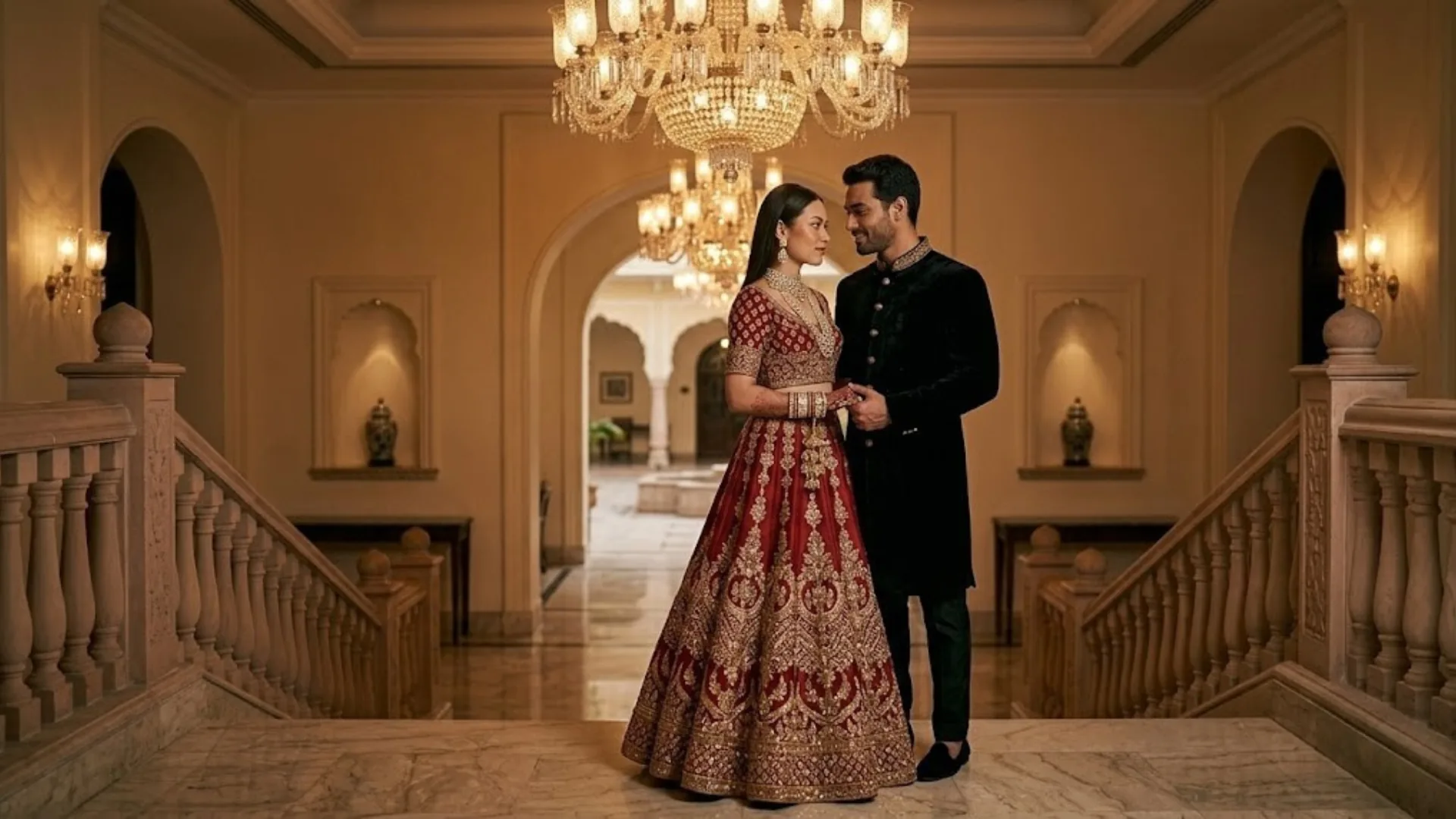
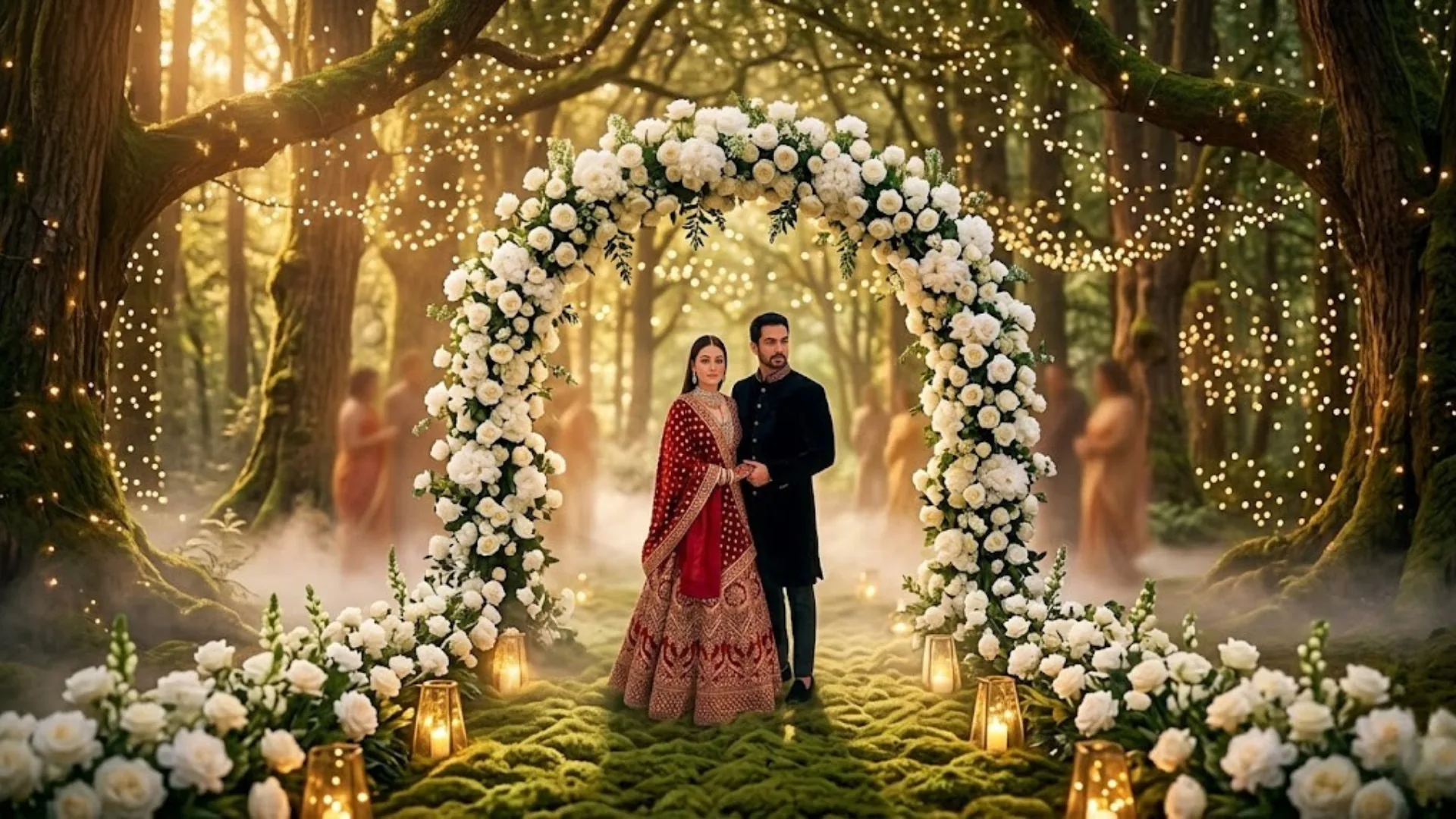
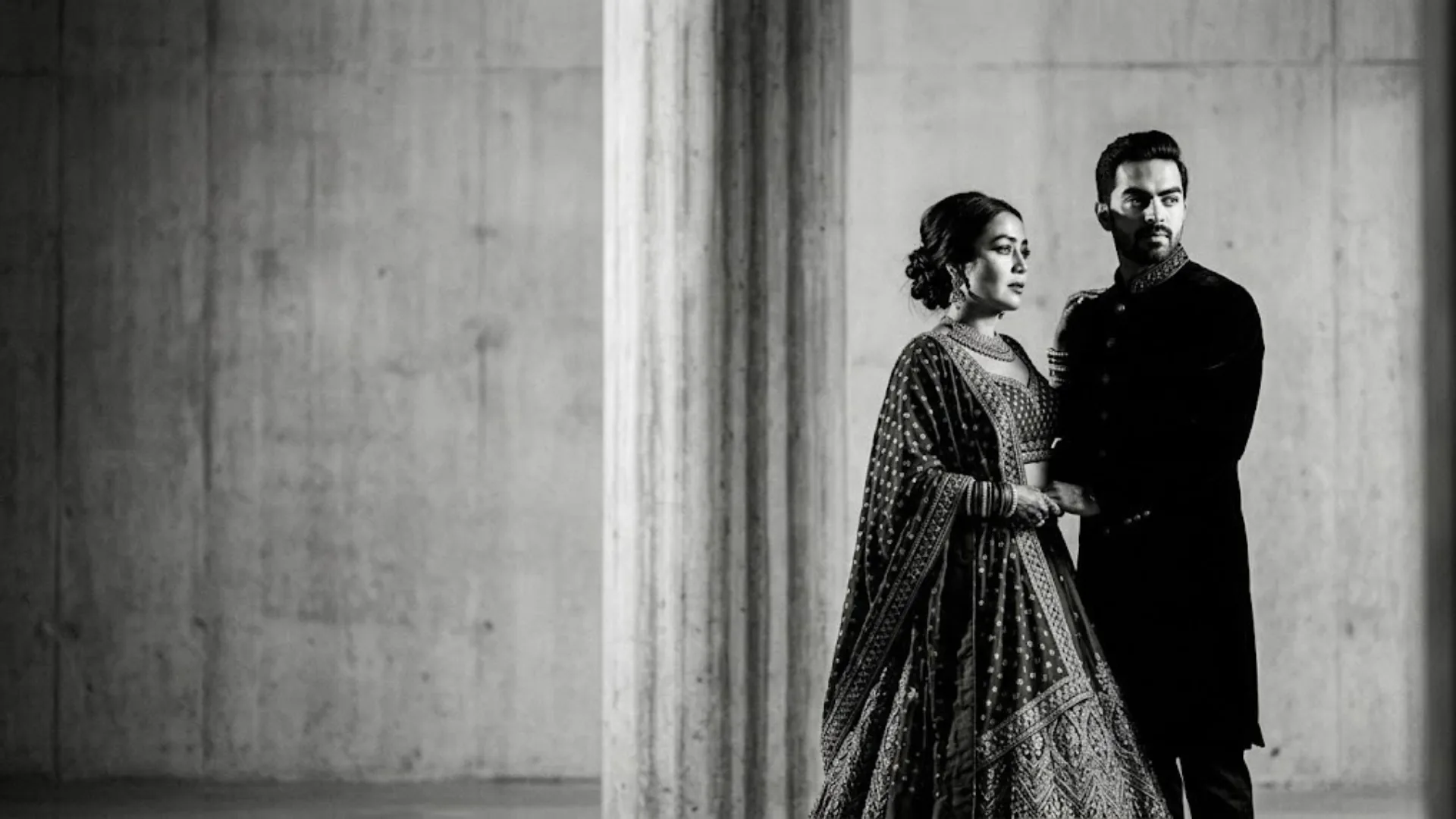
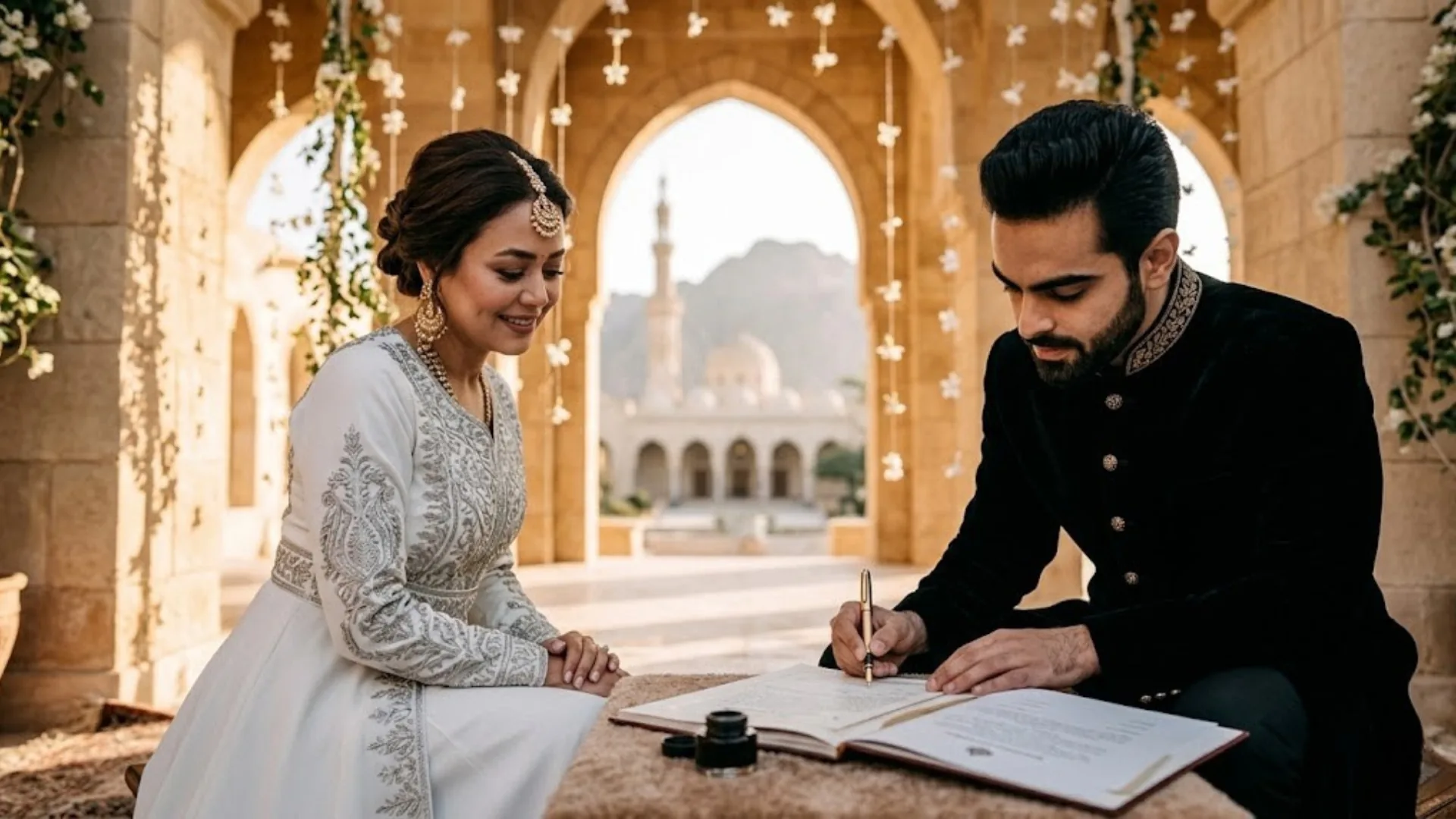
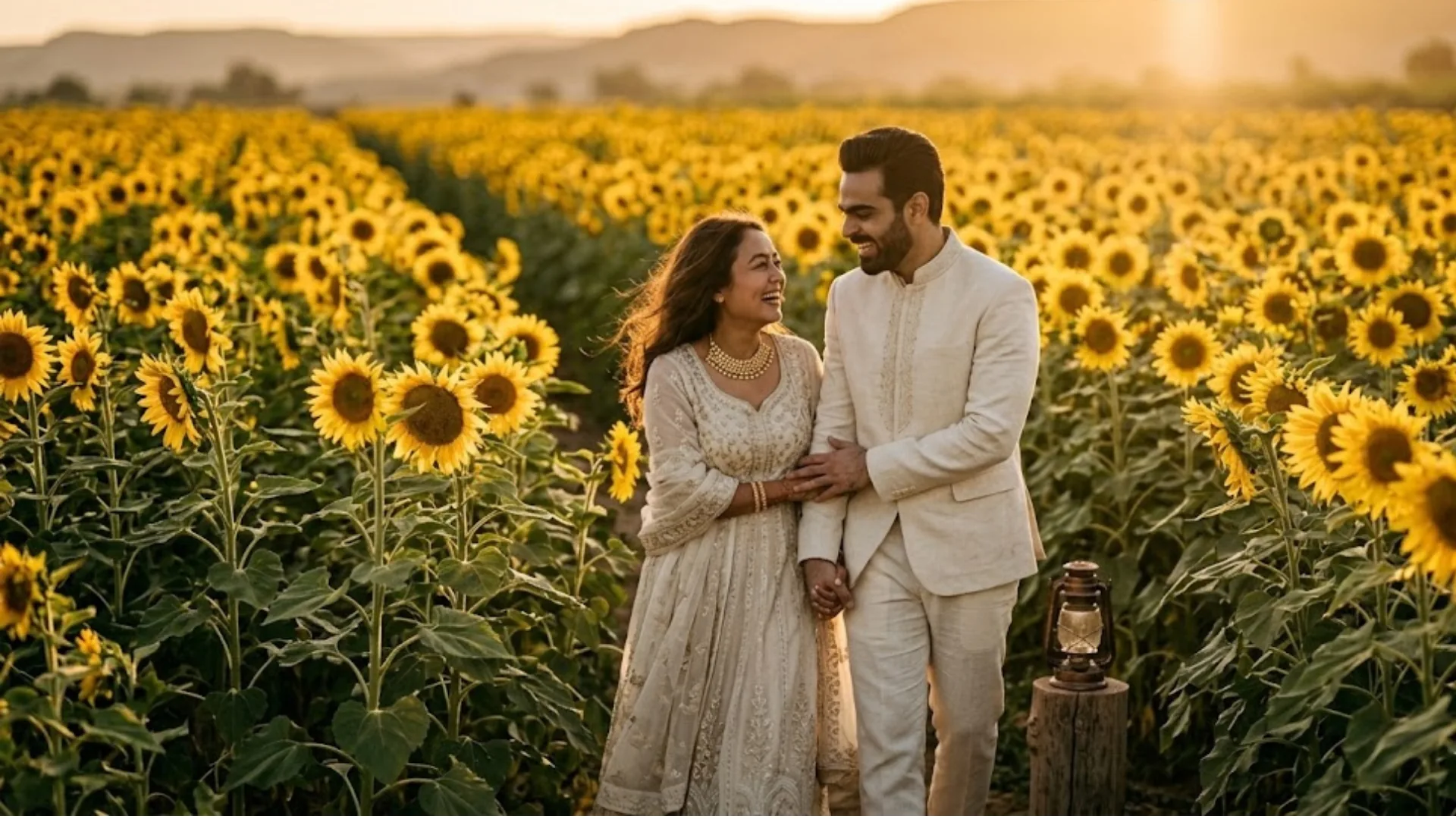
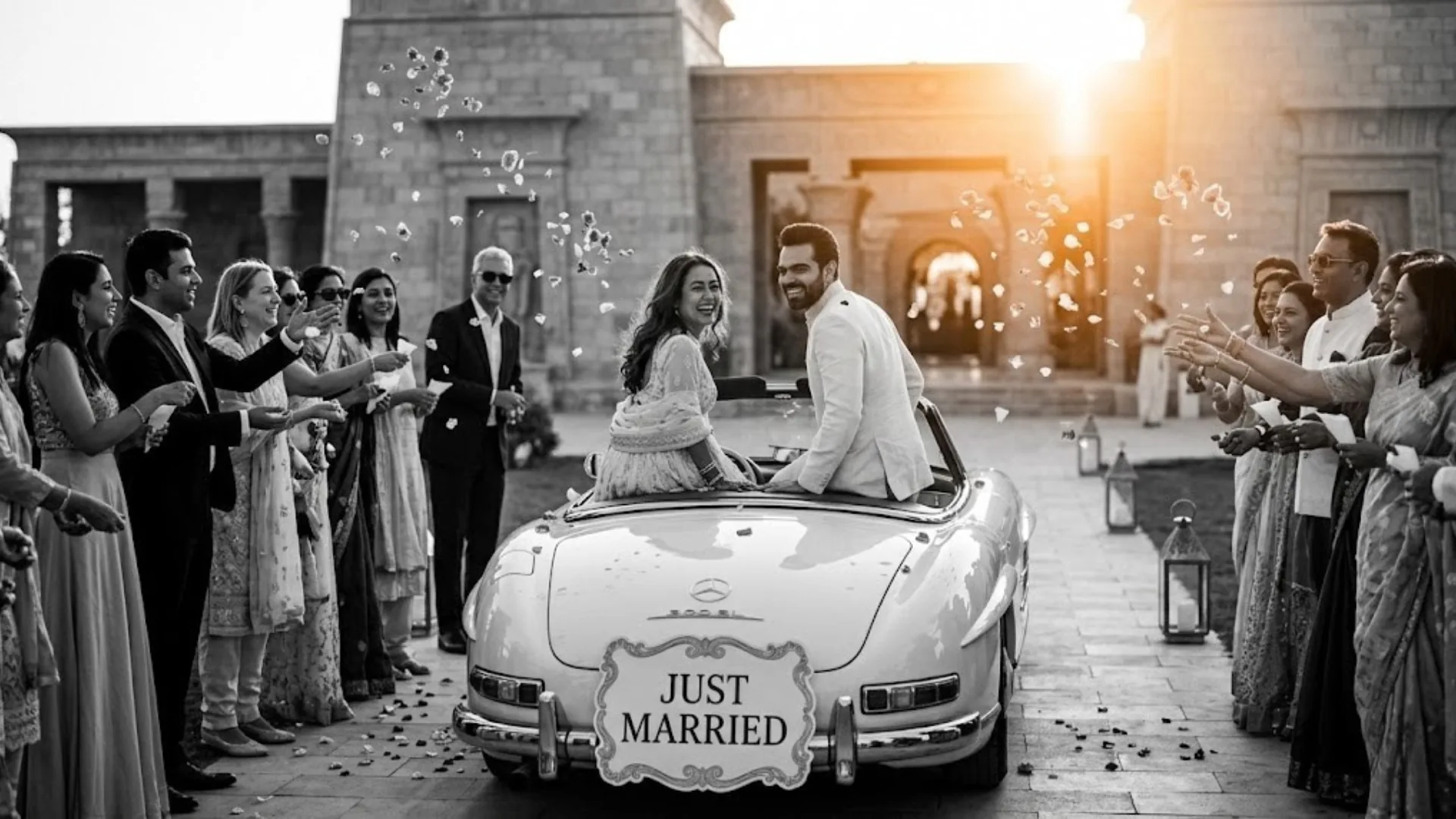
Each prompt is copy-paste ready. Placeholder image blocks are included — replace with your generated outputs. Recommended tool and Midjourney parameters are noted per prompt.
Practical Example: Cathedral Portrait in Midjourney
Target Output
High-resolution photorealistic bridal portrait with accurate optical compression and realistic fabric texture
Platform
Midjourney V6.1 via Discord /imagine command
Expected Result
Accurate optical compression, precise depth of field, realistic fabric texture, natural skin rendering
Full Command to Paste
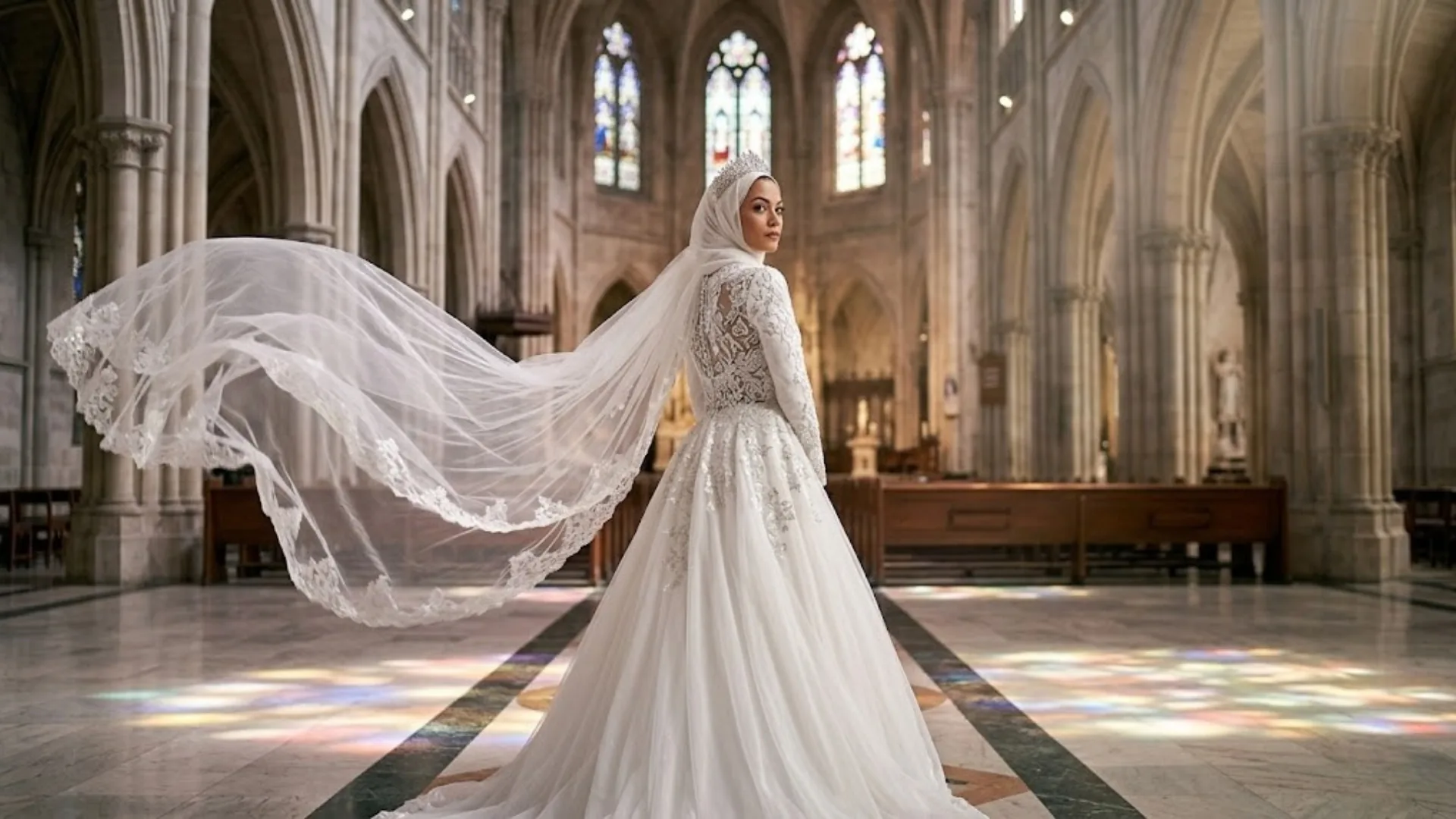
"A high-resolution bridal portrait of a bride standing in the center aisle of a grand cathedral. Her cathedral-length veil is caught in a soft breeze, flowing behind her in an ethereal cloud of lace and tulle. The sunlight filters through high-arched stained glass, casting colorful, soft-focus patterns on the stone floor. The focus is razor-sharp on the intricate lace of the bodice and the sparkle of the tiara. Canon EOS R5, 85mm f/1.2 lens, ISO 200, f/1.8. --style raw --stylize 100 --v 6.1 --ar 2:3"
The --style raw parameter disables Midjourney's default artistic interpretation layer — without it, the model adds unwanted stylization that diverges from the photorealistic intent. --stylize 100 sets strict prompt adherence (the default is 100; lower values like 50 produce stronger prompt fidelity, higher values like 750 give the model more creative latitude). --v 6.1 locks the most current model version. For post-generation enhancement of the output, use the AI Image Upscaler to increase resolution for print use, or the AI Portrait tool for additional skin and lighting refinement.
Tool Comparison: Midjourney vs DALL-E vs Stable Diffusion
| Criteria | Midjourney V6.1 | DALL-E 3 | Stable Diffusion |
|---|---|---|---|
| Photorealism | Highest — cinematic, editorial quality | High — clean, accurate rendering | High with fine-tuned models |
| Prompt adherence | Strong with --style raw |
Strongest — follows complex layouts | Variable by model and LoRA |
| Fabric / material | Excellent — lace, silk, tulle realism | Good | Good with correct model |
| Skin texture | Best with skin texture descriptors | Good — less waxy default | Best for specific likeness |
| Face consistency | Good — use --cref for consistency |
Good | Best — supports face LoRA |
| Access | Paid subscription, Discord | Via ChatGPT Plus or API | Free, local installation |
| Best for | Portfolio portraits, editorial shots | Complex scene composition | Specific person likeness, local use |
For editing real wedding photos — background swaps, object removal, or color grading — generation tools are not the right choice. Use dedicated editing tools: AI Replace for background replacement, AI Cleanup for object removal, and AI Filter for cinematic color grading on uploaded photos.
Professional Tips
Specify Optics by Focal Length and Purpose
Focal length is not decorative — it determines how the model renders spatial compression and background blur. Use 85mm f/1.2 for bridal portraits: it produces flattering facial compression and a creamy, separated background. Use 35mm for dance floor and reception candids: it captures environmental context and natural distortion at close range. Use wide-angle 35mm for landscape elopements where the environment is the primary subject. Use 50mm f/1.4 for natural-perspective ceremony scenes. See B&H's focal length guide for reference on how each lens renders real scenes.
Define Material Physics Precisely
Fabric behavior is one of the most common AI failure points. Replace generic terms with construction-specific descriptions: "voluminous tulle overskirt" (light, airy, layered), "beaded lace bodice" (heavy, structured, light-catching), "structured crepe gown" (matte, architectural, minimal drape), "silk charmeuse with bias cut" (fluid, clinging, high-sheen). Each term activates a different set of material-physics patterns in the model's training data. The same principle applies to men's attire: "ivory raw silk sherwani with minimal embroidery" produces a completely different output than "traditional Indian groom."
Control Lighting Patterns by Name
Named lighting patterns produce predictable, technically accurate output. Rembrandt lighting: one main light source at 45° above and to the side, creating a triangular highlight on the shadowed cheek — use for studio dramatic portraits. Golden hour: warm 3200K directional side light just above horizon level — use for all outdoor romantic scenes. Direct flash: harsh, flat frontal illumination with sharp shadows behind the subject — use for candid reception/dance floor shots. Alpenglow: pink-violet diffused light from reflected mountain snow — use for alpine elopements. Name the pattern, and the model handles shadow direction, color temperature, and fill automatically.
Engineer Skin Texture to Avoid the Uncanny Valley
AI models default to over-smoothed, beauty-filtered skin unless explicitly instructed otherwise. Add these terms to any portrait prompt: "visible pores," "subtle peach fuzz," "natural skin oiliness," "authentic skin texture." For a film-analog look, add: "Kodak Portra 400 aesthetic," "fine film grain," "peachy warm skin tones." Combine these with negative prompts: in Midjourney, append --no plastic skin, waxy texture, airbrushed, doll-like symmetry, over-smoothed. The skin texture modifiers are especially important for close-up and medium-close shots where skin quality dominates the visual quality of the image.
Use Negative Prompts as a Second Control Layer
Negative prompts remove the model's default failure modes rather than adding new instructions. For wedding photography, always exclude: plastic skin, waxy texture, artificial lighting, HDR look, over-saturated, doll-like symmetry, digital painting, cartoon, illustration, 3D render. In Midjourney, append --no [terms] after the main prompt. In Stable Diffusion, paste these into the dedicated negative prompt field. In DALL-E 3, include "avoid" phrasing within the main prompt text. Negative prompting is not optional for professional-quality outputs — it is the mechanism that prevents the model from reverting to its default aesthetic.
Common Mistakes to Avoid
Mistakes
- Using broad descriptors like "realistic" without attribute-specific data
- Omitting negative prompts — allows plastic skin and waxy textures through
- Ignoring
--style raw— Midjourney adds unwanted artistic stylization - Generic garment names: "white dress," "traditional clothes," "suit"
- No focal length specified — model chooses randomly, compresses incorrectly
- No lighting pattern named — output uses generic, flat, unidentifiable light
- Requesting more than 8 people — causes face distortion in groups
- Restarting entire prompt when only one element is wrong
Fixes
- Use attribute-specific technical terms: camera body, ISO, aperture, f-stop
- Always append
--no plastic skin, waxy texture, doll-like symmetry - Always use
--style rawin Midjourney for photorealistic intent - Name specific fabric construction: beaded lace, voluminous tulle, silk crepe
- Specify focal length for every prompt: 85mm, 35mm, 50mm, wide-angle
- Name lighting pattern: Rembrandt, golden hour, direct flash, alpenglow
- Keep groups under 8, add "sharp focus on all faces, well-lit" at end
- Identify the failing element and modify only that part of the prompt
Frequently Asked Questions
Which AI model generates the best wedding photography?
Midjourney V6.1 produces the highest cinematic and artistic quality for editorial wedding portraits and atmospheric scenes. DALL-E 3 follows semantic adherence most accurately and handles complex multi-element scene compositions reliably. Stable Diffusion is optimal for local deployment, specific person likeness via face LoRA models, and full parameter control without subscription costs. For most users generating editorial wedding content, Midjourney V6.1 with --style raw is the benchmark.
How do I prevent AI skin from looking artificial?
Add attribute-specific skin texture descriptors directly in the prompt: "visible pores, subtle peach fuzz, natural skin oiliness, authentic skin texture, Kodak Portra 400 aesthetic." These override the model's default beauty-filter behavior. Then add negative prompts to suppress it at the exclusion level: --no plastic skin, waxy texture, airbrushed, over-smoothed, doll-like symmetry, beauty filter. Both layers are needed — the positive descriptors push toward realism and the negative prompts prevent the model from reverting. For enhancing skin quality on real uploaded wedding photos, the AI Portrait tool applies targeted skin corrections without affecting the rest of the image.
What are the optimal Midjourney settings for wedding prompts?
Append --style raw to disable Midjourney's default algorithmic stylization layer, which otherwise adds an aesthetic interpretation the model chooses rather than what the prompt specifies. Set --stylize 100 (or lower, like --s 50) for strict prompt adherence — higher stylize values give the model more creative freedom, which diverges from photorealistic intent. Use --q 2 to maximize rendering quality and texture sharpness. Lock the model version with --v 6.1. Set the aspect ratio explicitly: --ar 2:3 for portraits, --ar 3:2 for landscape/candid shots, --ar 16:9 for cinematic wide scenes. See Midjourney's official parameter documentation for the full parameter reference.
Can AI edit existing wedding photos rather than generate new ones?
Yes — and for most practical use cases, editing real photos produces more personalized and reliable results than generation. Use the AI Replace tool for background replacement (swap a plain venue wall with a grand cathedral interior or garden scene). Use the Background Remover to isolate the couple before placing them on a new background. Use the AI Filter for cinematic color grading — film analog, golden hour, desaturated editorial. Use the AI Upscaler to increase resolution for print. These tools preserve the original subjects while transforming the visual context.
How do I maintain consistent facial features across multiple generations?
In Midjourney V6.1, use the --cref [image URL] character reference parameter — upload a clear reference image and append the URL to lock facial structure across different prompts and scenes. In Stable Diffusion, use a face LoRA model trained on the subject's reference photos — this gives the most precise facial consistency across any number of generations. In DALL-E 3, re-upload the reference photo with each generation request as a visual input alongside the text prompt. See Midjourney's character reference documentation for the complete --cref workflow.
The Future of AI Wedding Photography
Generative AI systems are initiating a fundamental shift in wedding visual content — from physical light capture to algorithmic vision synthesis. The industry is converging toward a hybrid operational model: human photographers document unrepeatable live event sequences (the ceremony, the first look, the candid reception moments) while AI engines synthesize high-fashion editorial portraits, atmospheric detail shots, and pre-wedding campaign visuals that would otherwise require expensive studio setups.
Two developments will accelerate this in the near term. First, face-consistent generation is becoming a first-class feature across all major platforms. Midjourney's --cref system, Adobe Firefly's compositional reference, and emerging identity-lock features in consumer tools are converging toward a workflow where a couple's reference photos generate unlimited editorial wedding visuals with their actual faces — not generic models. Second, video generation of wedding scene loops (veil movement, confetti freeze-frames, first dance dynamics) is reaching consumer-accessible quality. The prompt engineering skills in this guide transfer directly to those workflows.
The constraint that remains constant across every tool generation: a generative model cannot produce a specific visual without being given specific instructions. The prompts in this guide are engineered to that standard — precise enough to produce usable first-generation outputs, structured enough to iterate from systematically.