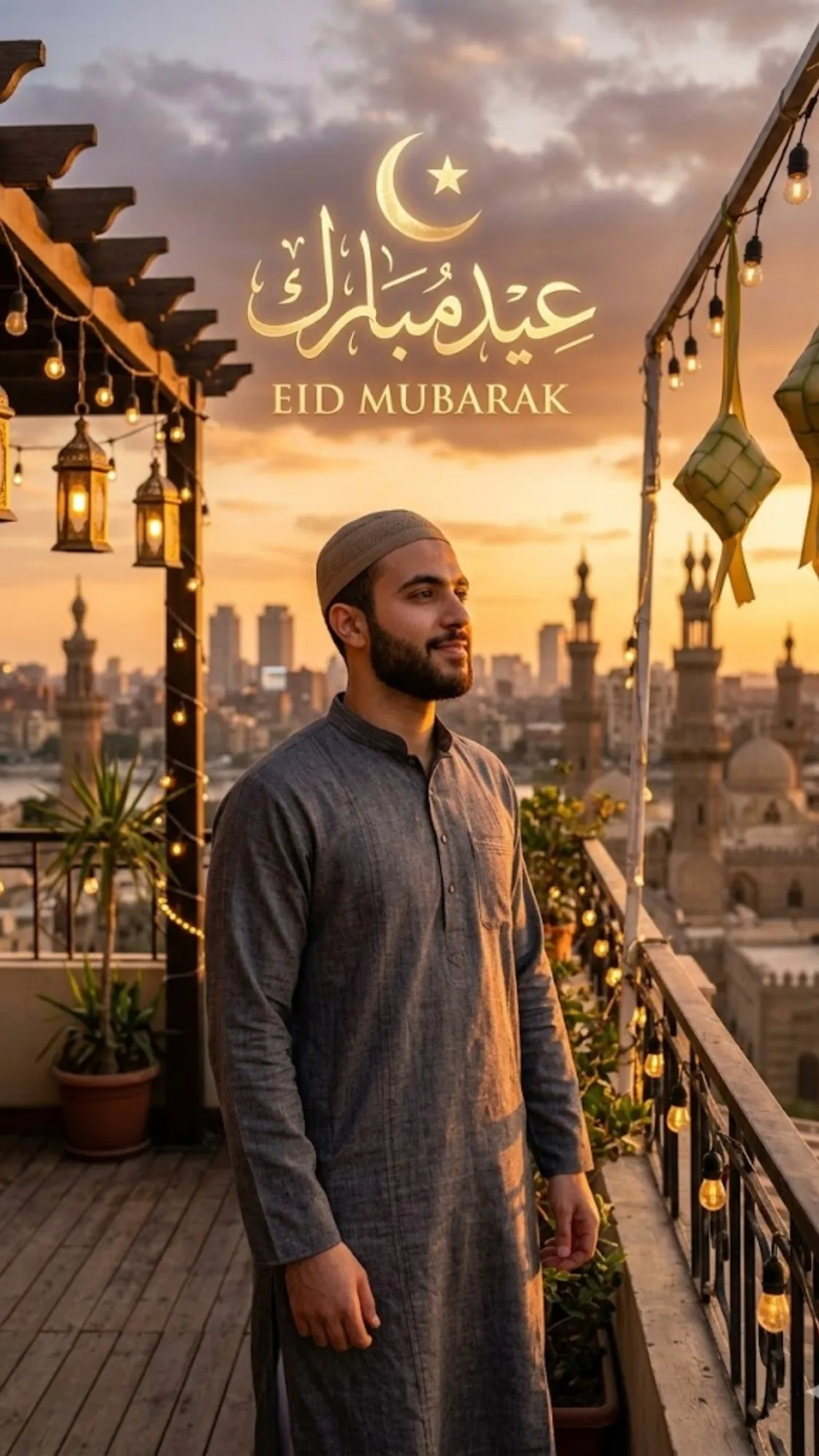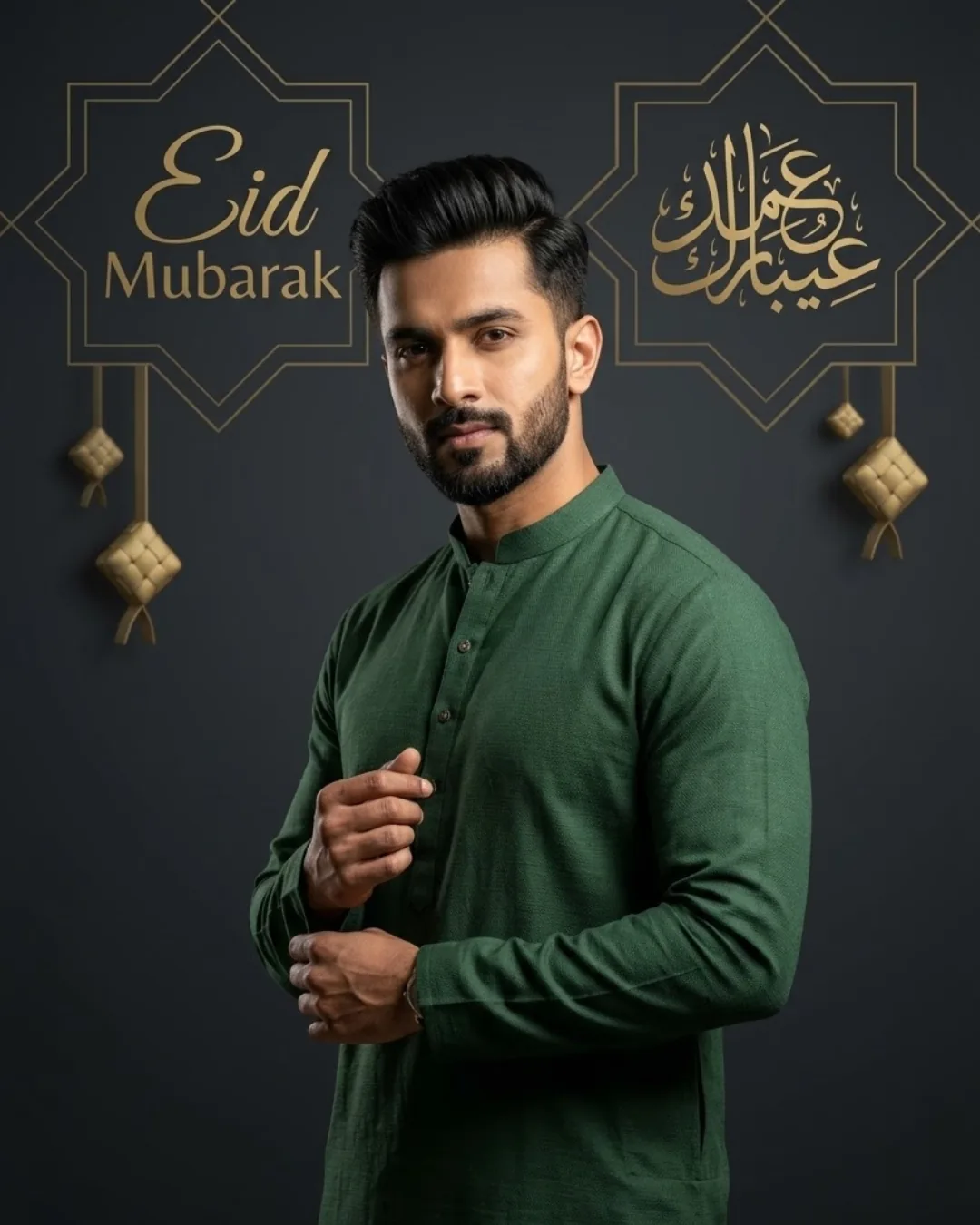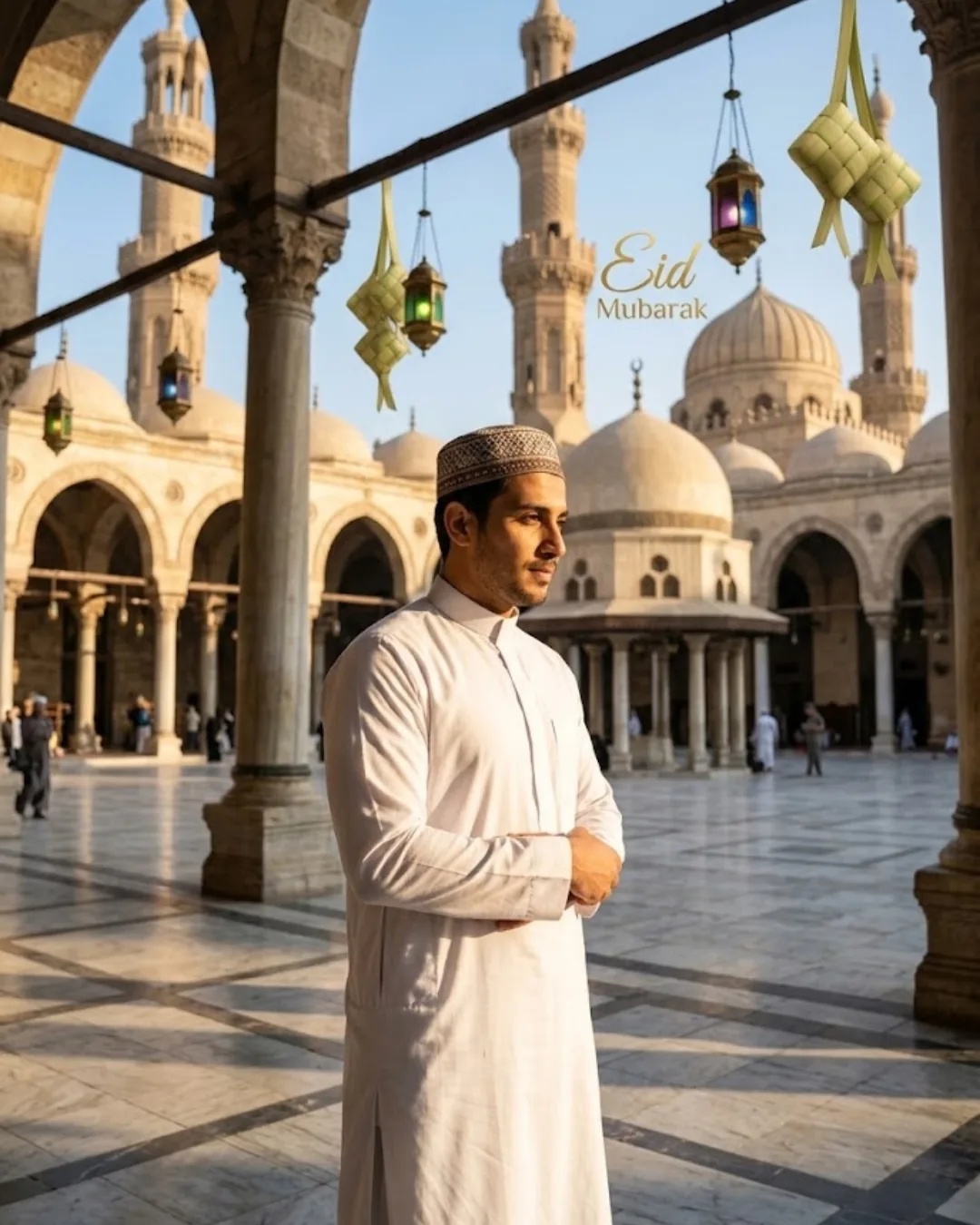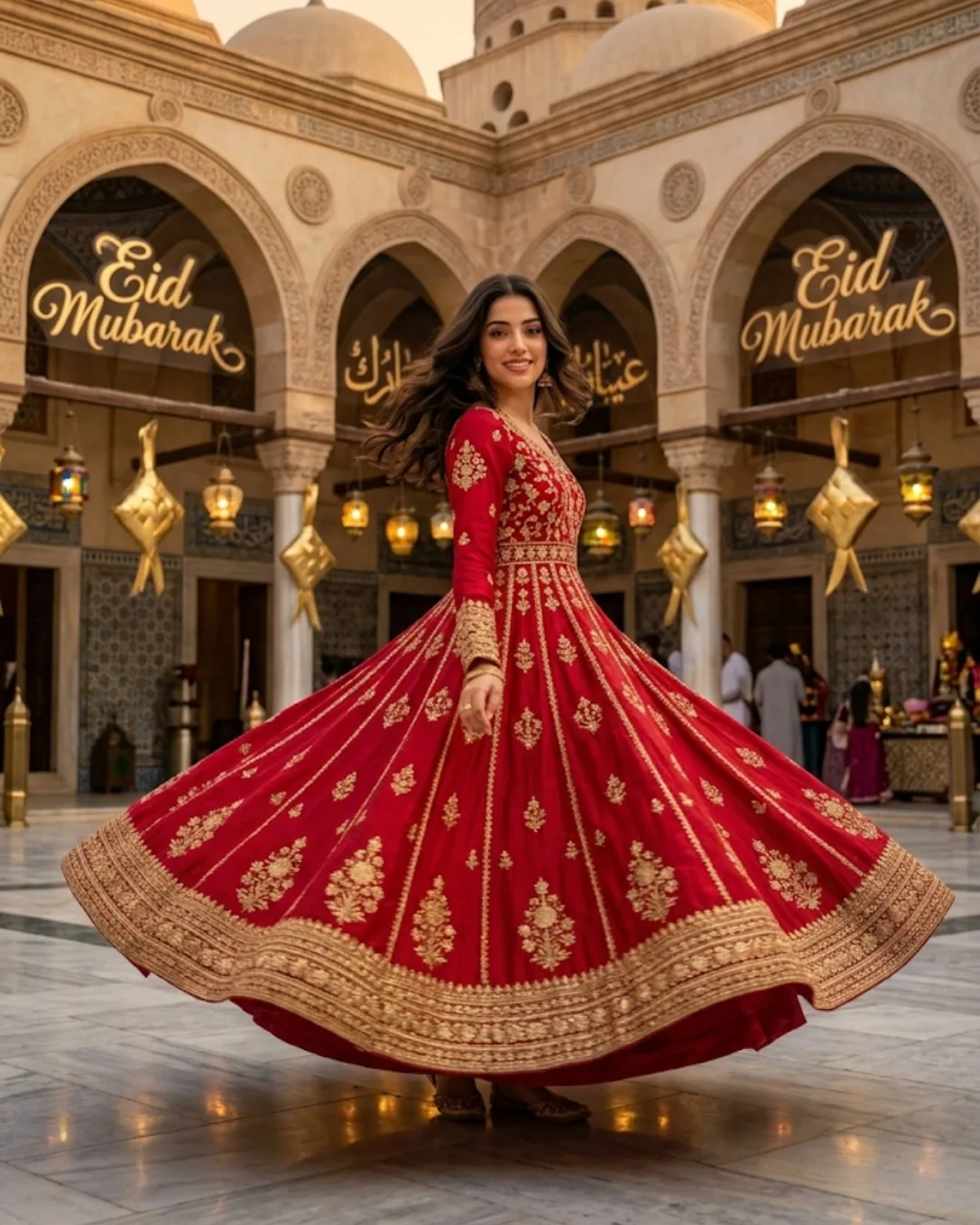
How to Generate Professional Eid Mubarak AI Photos (10 Ready-to-Use Prompts)
AI image generators convert structured text descriptions into professional, high-resolution Eid Mubarak visuals. Platforms like Bing Image Creator, Midjourney, and Gemini produce custom portraits, 3D typography, and festive scenes without manual photo editing software — in seconds. This guide covers the exact workflow, 10 copy-paste prompts across every major Eid visual category, and the structural mistakes that produce distorted faces, generic backgrounds, and low-quality renders.
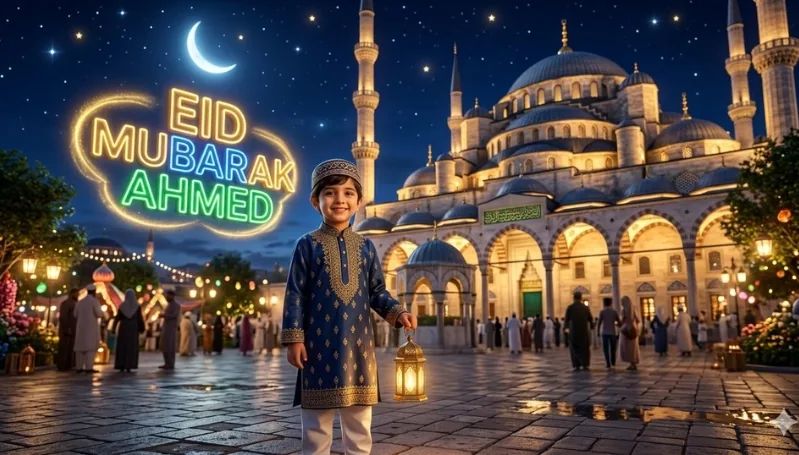
Table of Contents
- Quick Summary
- The Problem with Traditional Festive Photography
- Step-by-Step: How to Generate Eid AI Photos
- Practical Example: 3D Name Image
- 10 Ready-to-Use Eid Mubarak Prompts
- Tool Comparison: Which Platform for Which Output
- Professional Tips
- Common Mistakes
- Frequently Asked Questions
- The Future of AI Eid Visuals
Quick Summary
AI image generators convert structured text descriptions (prompts) into professional, high-resolution Eid Mubarak visuals. Users access platforms like Bing Image Creator, Midjourney, and Google Gemini to generate custom portraits, 3D typography, and festive scenes without manual photo editing software. Image-to-image tools handle face retention when personalizing with a specific person's likeness.
The full workflow is: select tool → define subject and attire → specify scene and lighting → input the structured prompt → refine output. Each of these five steps has a specific failure point. This guide eliminates them. For a deeper understanding of how to structure prompts across any visual category, see the master AI photo editing prompts guide.
Core Eid Visual Entities
- Grand mosque / Ottoman dome / minaret
- Fanoos lanterns / golden crescent moon
- Traditional attire: kurta, thobe, abaya, anarkali
- 3D floating text / neon calligraphy
- Iftar feast / sheer khurma / biryani
- Prayer beads / prayer mat / kufi cap
- Arabesque geometric patterns
- Deep blue / amber / gold color palette
Quality Modifier Keywords
- Hyper-realistic / photorealistic
- 8K resolution / ultra-detailed
- Cinematic lighting / golden hour
- Sharp focus on faces / well-lit
- Shallow depth of field / bokeh
- Strong vertical composition
- Commercial festive style
- Sculpted elements / 3D realism
The Problem with Traditional Festive Photography
Traditional festive photography for Eid requires professional studio lighting, staged backgrounds with culturally specific props, and advanced retouching in tools like Photoshop or Lightroom. The result is that most users either accept generic mobile phone photos with flat lighting and messy backgrounds, or spend hours in editing apps making slider adjustments that require trained eye-hand coordination to produce professional results.
AI image generation eliminates both constraints — but only when prompts are structured correctly. A vague prompt like "Eid photo of a man in a mosque" produces the same low-specificity problem as an underlit phone photo: the output is technically generated but visually generic, culturally imprecise, and practically unusable as a professional greeting or social post.
The solution is the same principle that governs all professional prompt engineering: specificity at every layer. Subject definition, attire naming, lighting source, architectural style, composition, and quality modifiers all need to be explicit. This guide shows exactly what that looks like for Eid visuals. For background replacement on real photos, the AI Replace tool handles environment swaps without prompt generation.
Step-by-Step: How to Generate Eid AI Photos
Select an AI Image Generator
Use Bing Image Creator for 3D text and named greeting images (free, no account required). Use Midjourney for the highest photorealism in portrait and architectural scenes. Use Google Gemini for quick iterations with conversational refinement. Use ModernPhotoTools' AI Image Generator for browser-based generation without accounts or subscriptions.
Define the Subject
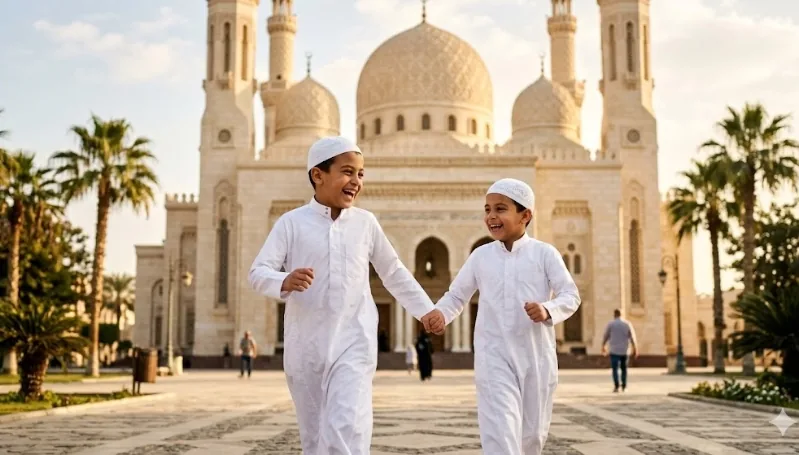
Specify demographic details and exact traditional attire. Do not use generic terms like "traditional clothes." Use precise names: kurta (South Asian men's collarless shirt), thobe (Gulf/Middle Eastern full-length robe), abaya (women's full-length outer garment), shalwar kameez (tunic and trousers), anarkali (flared long dress), baju kurung (Malaysian traditional), kufi (rounded cap), sherwani (formal coat). The more specific the attire name, the more culturally accurate the output.
Set the Scene and Lighting
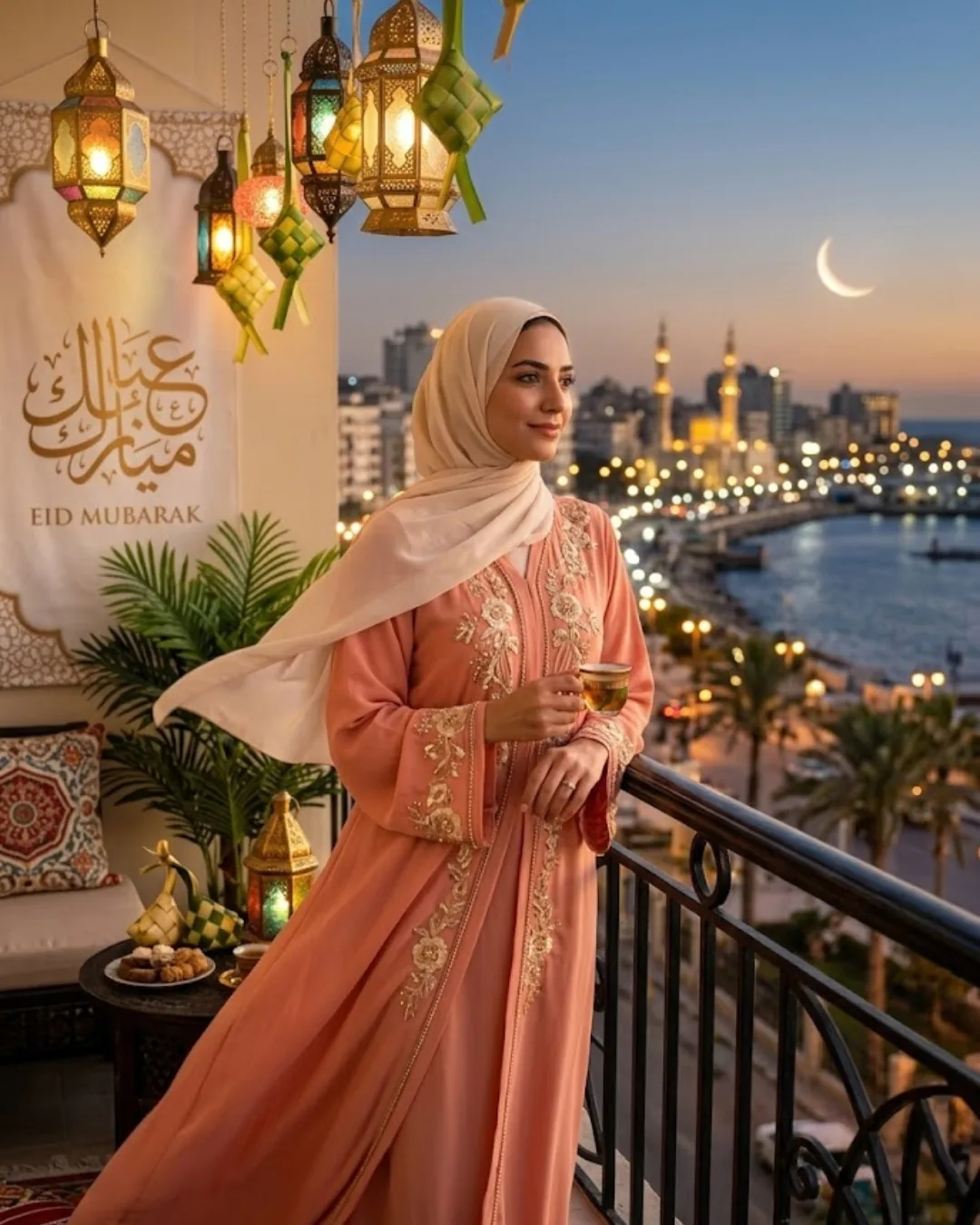
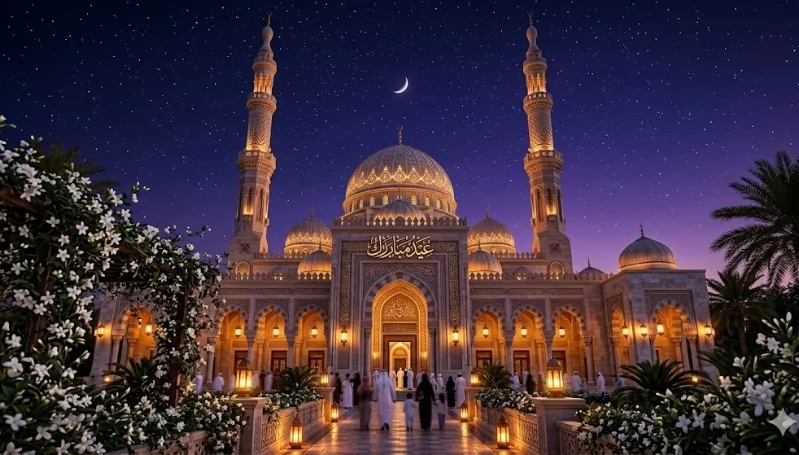
Establish the environment (mosque courtyard, rooftop, festive interior, balcony) and specific lighting conditions. Eid visuals use two primary light signatures: golden hour warm amber (outdoor, sunset, post-Eid prayer) and lantern/candlelight warm glow (evening, interior, intimate). Name the exact light source — "fanoos lantern as primary light source," "gold-plated crescent moon backlight," "warm sunset from the right." Also specify the architectural style: "Ottoman-style mosque," "Mughal mosque," "modern Islamic architecture."
Input the Prompt
Paste the structured text into the generator's prompt field. For Bing Image Creator, paste directly. For Midjourney, paste into the /imagine command and append parameters like --ar 9:16 for stories or --ar 1:1 for feed posts. For Gemini, paste as a conversational message. Do not split the prompt across multiple messages — input it as a single block.
Generate and Refine
Do not restart from zero if the first output is wrong. Identify the exact element that failed — background inaccuracy, wrong attire color, flat lighting, distorted face — and modify only that component of the prompt. Targeted iteration produces faster results than full rewrites. For real portrait photos, use the AI Portrait tool to enhance lighting and skin quality after generation, or the Background Remover to isolate a generated subject before placing on a new Eid background.
Practical Example: 3D Customized Name Image
Target Output
3D customized name greeting image for social media sharing
Tool
Bing Image Creator (free, best for embedded typography)
Execution
Replace [Name] with the actual name, click generate, download the preferred variation
Prompt Structure
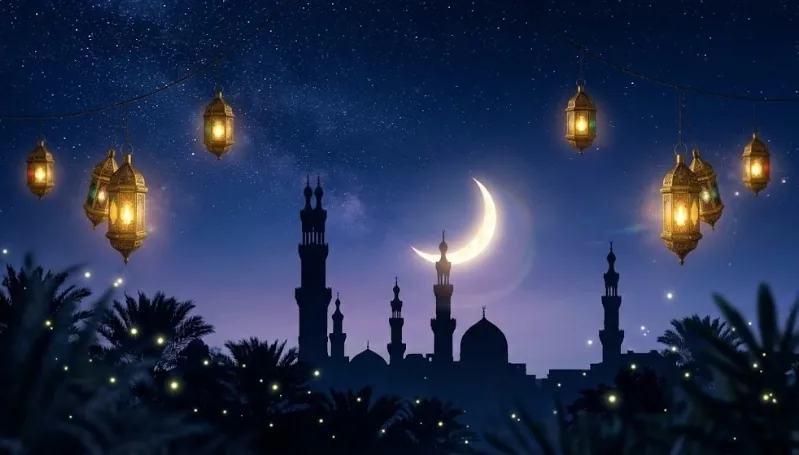
"A 3D realistic image of a young Muslim boy wearing a traditional kurta, standing in front of a grand Ottoman-style mosque at night. The sky is deep blue with a glowing crescent moon and scattered stars. Large 3D neon text spelling 'Eid Mubarak [Name]' floats in the background with golden glow effect. Warm lantern light on the subject's face, hyper-realistic render, 8K quality, festive and joyful atmosphere."
This structure works because it locks five variables simultaneously: subject (young Muslim boy in kurta), architecture (Ottoman-style mosque, not generic), sky (deep blue + crescent + stars), typography (3D neon with glow, specific text), and quality (hyper-realistic, 8K). Each variable removes a degree of freedom from the model's decision space — the result has less room to default to generic output.
10 Ready-to-Use Eid Mubarak Prompts
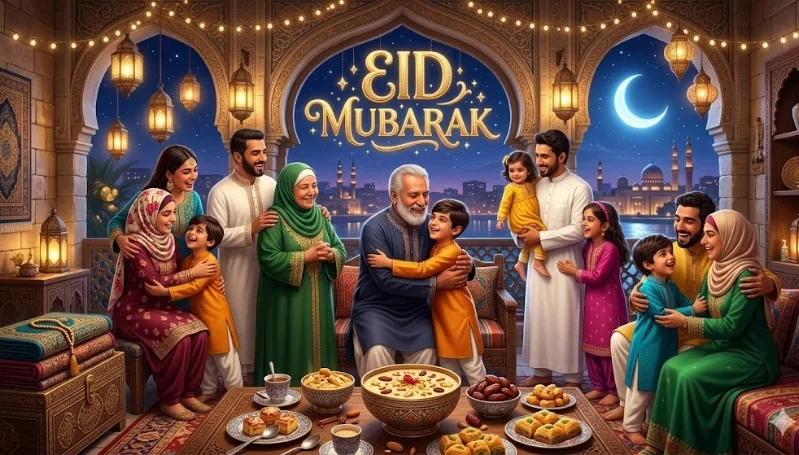
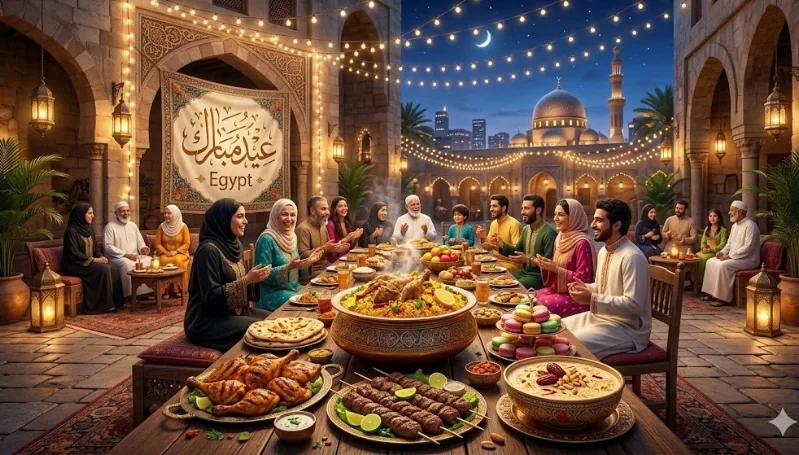
Each prompt below is structured for copy-paste use. Placeholder images are included — replace with generated outputs. The recommended tool is noted for each based on output type.